0:00
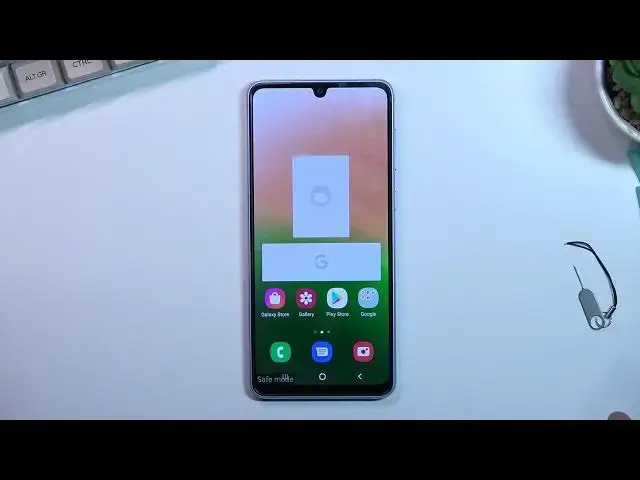
Welcome! In front of me is a Samsung Galaxy A33 and today I will show you
0:13
how we can boot this device into safe mode. So to get started pull down your
0:18
notification panel, expand it and tap on the power button right over here. Once
0:22
you see the boot options right over here, hold, power off. This will then change
0:29
into safe mode. Gives you a quick message. Tap again to restart your phone in safe
0:33
mode. Downloaded apps will be temporarily disabled to help you troubleshoot your phone. So let's click on this button and now the device will
0:44
reboot and take us to, like it said, safe mode. Now to quickly explain what safe
0:50
mode actually is. Mode is designed to help you troubleshoot your phone
0:56
So if you have some kind of problems with your device right now, as an example it's malfunctioning, maybe you just can't do something that you
1:03
normally should be able to, you can boot it into safe mode and if whatever
1:07
problem you had was caused by some kind of malicious application, that problem
1:12
should be now resolved because that app has literally no way of running right
1:15
now. Anyway, once the device boots up, you can see we have this watermark right
1:21
here, safe mode, and this will stay here as long as we are in this mode. And as
1:26
additionally, you should be able to see some of the apps that are disabled. As you can
1:30
see there is one. Facebook cannot run in this mode, which is quite good. And this
1:38
is, I believe, the only app right here that won't run, so yeah. But you can
1:43
distinguish which apps will be able to run and which ones won't based on their
1:48
their color. As you can see, Facebook is normally blue but it is monochrome right
1:52
now, just grayish. And every app that is kind of like disabled in this mode
1:56
will be the same kind of color. So yeah. Anyway, once you're done with this mode
2:02
to leave this, all you want to do is pull down your notifications again, select
2:06
your power key and choose restart. And once the device boots back up, it will go
2:13
back to normal mode. And as you can see, we are now back in normal mode. So if you found this video
2:27
helpful, don't forget to hit like, subscribe, and thanks for watching