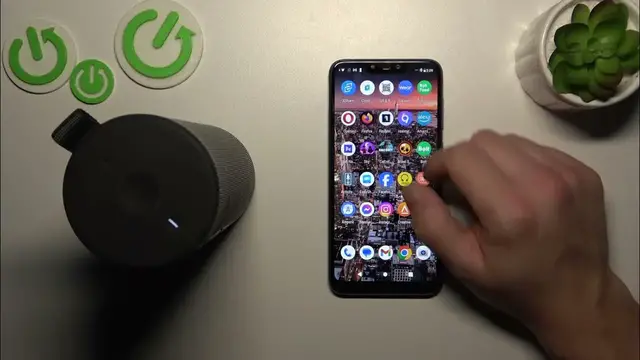

How to Disconnect Your Ultimate Ears Boom 3 from Android
Jan 17, 2024

Find out more: https://www.hardreset.info/devices/
Navigate the simplicity of disconnecting your Ultimate Ears Boom 3 from an Android device with our latest tutorial. This video is a key resource for anyone looking to manage their Bluetooth connections effectively, ensuring a smooth transition between different audio sources. Ideal for those who frequently switch between devices or need to troubleshoot connectivity issues, we guide you through the process of disconnecting your UE Boom 3 from an Android phone or tablet. Learn how to maintain control over your wireless audio experience, whether you're at home, work, or on the move. We cover everything from basic disconnection steps to tips for ensuring your device stays disconnected when needed. This guide is perfect for enhancing your understanding and usage of the UE Boom 3’s versatile connectivity features. Hit like, subscribe, and turn on notifications for more practical tech tips!
#UEBoom3Disconnect
#BluetoothTech
#AndroidAudio
Questions for the Video:
How to initiate disconnection of the UE Boom 3 from an Android device?
How to ensure your UE Boom 3 is completely disconnected from Android?
How to troubleshoot if the UE Boom 3 won’t disconnect from your Android device?
How to manage multiple Bluetooth connections on your UE Boom 3 with Android?
How to reconnect your UE Boom 3 to your Android device after disconnection?
Follow us on Instagram ► https://www.instagram.com/hardreset.info
Like us on Facebook ► https://www.facebook.com/hardresetinfo/
Tweet us on Twitter ► https://twitter.com/HardResetI
Support us on TikTok ► https://www.tiktok.com/@hardreset.info
Use Reset Guides for many popular Apps ► https://www.hardreset.info/apps/apps/
Show More Show Less