0:00
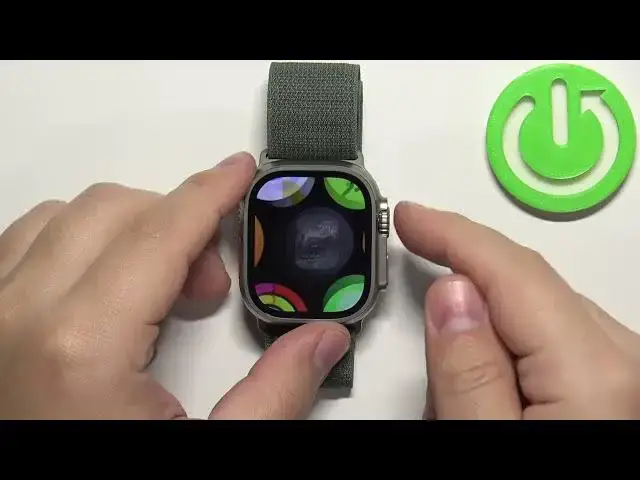
Welcome! In front of me I have Apple Watch Ultra and I'm gonna show you how to connect
0:04
to the Wi-Fi network and how to disconnect from the Wi-Fi network on this watch
0:12
First let's wake up the screen on our watch. You can do it by pressing any of the buttons
0:18
Once you wake up the screen press the crown button to open the menu. Now scroll through
0:24
the menu, find the settings icon and tap on it to enter the settings. In settings scroll down and
0:31
find the option called Wi-Fi and tap on it. Here make sure that the Wi-Fi is enabled and now to
0:39
connect to the network and wait until the networks appear on the list called choose network. Find the
0:46
network you want to connect to, tap on it and if it's protected by password you will need to enter
0:51
the password so give me a couple of seconds. And then you can tap on join right here in the top right corner to log in
1:09
And once you enter the password you should see the network right here below the Wi-Fi option
1:15
and this means that you're connected to this network. And then you can press the crown button
1:20
couple of times to go back to watch face and that's how you connect to the Wi-Fi network
1:27
on this watch. And to disconnect from the Wi-Fi network simply open the Wi-Fi settings again
1:41
Find the network you want to disconnect from. Usually they're here on this list but there
1:45
could be some right here on this list. Anyway find the network you want to disconnect tap on it
1:51
and tap on forget this network to forget it and disconnect from it
1:57
Okay and once you're done again you can press the crown button couple of times to go back
2:03
to watch face and that's how you disconnect from the Wi-Fi network on this watch
2:09
Thank you for watching. If you found this video helpful please consider subscribing to our channel
2:14
and leaving the like on the video