0:00
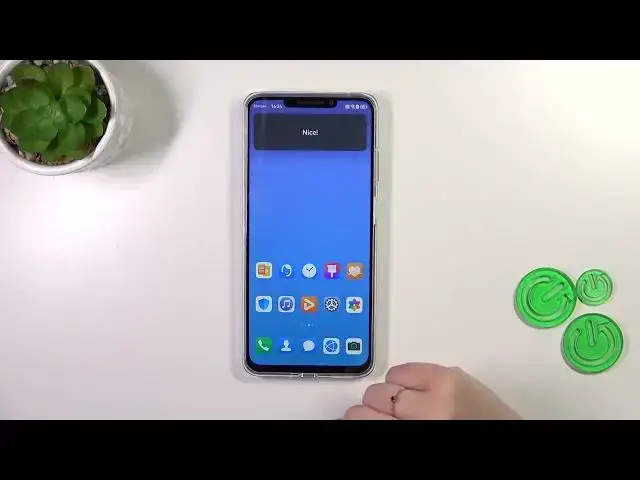
Hi everyone, in front of me I've got Huawei Nova Y91 and let me share with you
0:04
how to change this navigation type with the buttons to the gestures
0:13
So first of all we have to enter the settings and then let's scroll down to the very very bottom to
0:17
find system and updates. Now let's tap on system navigation, so the second option, hello, and as you
0:25
can see we've got two different options. At the top we've got the gestures but before we will set
0:29
it and before I will explain everything just a quick disclaimer about the three key navigation
0:34
which we've got currently set because if you decided you want to stick to this option you can
0:38
customize it here, you can enter the settings and as you can see you can reorder the buttons and you
0:42
can add also this one which will like hide the bar with the keys so it's up to you of course
0:51
All right so in order to set the gestures first of all we have to tap on this option
0:55
maybe not like that because I don't really want to go through the tutorial but that's okay
1:02
so right now I can explain how it works. So in order to get back to the previous page we will
1:08
have to swipe from the side to the center of our device and we can do it from the left and
1:14
from the right side also. So just like that you can see the arrow so simply release the finger
1:19
the same situation here you can see the arrow release the finger. If you'd like to go back
1:26
directly to the home page all you have to do is swipe your finger from the bottom to the center
1:30
and this gesture should be quite quick and short just like that
1:38
And in order to open the recents you have to repeat the motion however this time
1:43
don't do it fastly just hold your finger on the screen until you will see the recents and feel
1:50
the vibration. All right accidentally we've entered the tutorial and we've completed it
1:56
so in order to set the gestures we just have to tap on this option and as you can see the three
2:03
buttons will disappear. What is more if you want to you can customize the gestures so let me enter
2:08
the settings and as you can see unfortunately in this device we've got only this option so we can
2:14
slide across bottom to switch the apps just like here up to you if you want to use it or not
2:21
All right so that would be all thank you so much for watching I hope that this video
2:26
was helpful and if it was please hit the subscribe button and leave the thumbs up