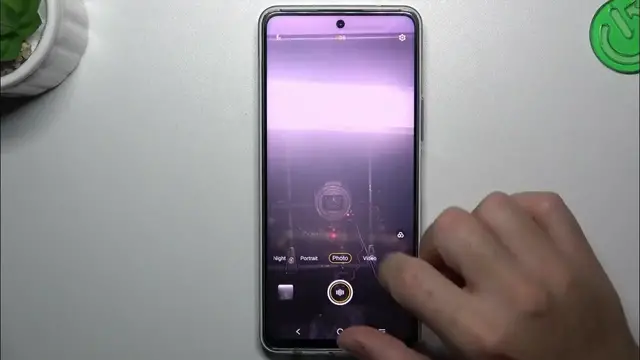

Personalize Your Shots: How to Customize Watermark on Vivo Y200
Jan 18, 2024

Find out more : https://www.hardreset.info/devices/vivo/vivo-y200/tutorials/
Add a personal touch to your photos with a customized watermark on the Vivo Y200. This step-by-step guide demonstrates how to personalize your shots by customizing the watermark in the camera settings. Watch and empower yourself with the knowledge to make your photos uniquely yours.
How can I customize the watermark on my Vivo Y200 to add a personal touch to my photos?
Where can I find the watermark customization settings in the camera app on the Vivo Y200?
What options do I have for customizing the appearance of the watermark on my photos?
Can I use my own text or logo as a custom watermark on the Vivo Y200?
Are there tips for creating an aesthetically pleasing and personalized watermark for my photos?
#VivoY200 #vivophone #vivo
Follow us on Instagram ► https://www.instagram.com/hardreset.info
Like us on Facebook ► https://www.facebook.com/hardresetinfo/
Tweet us on Twitter ► https://twitter.com/HardResetI
Support us on TikTok ► https://www.tiktok.com/@hardreset.info
Use Reset Guides for many popular Apps ► https://www.hardreset.info/apps/apps/
Show More Show Less