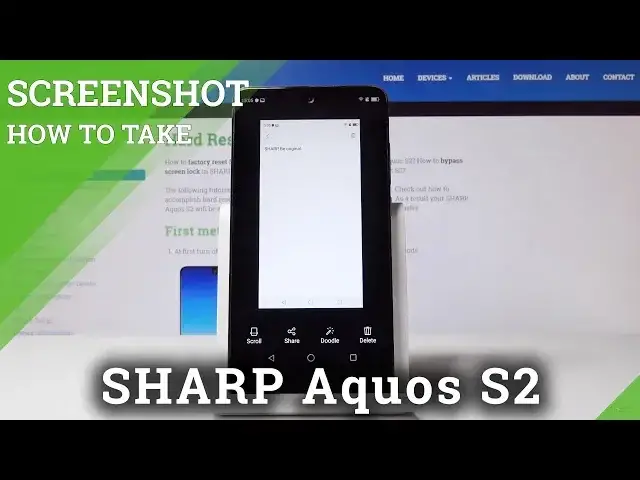

How to Capture Screen in SHARP Aquos S2 - Edit & Share Screenshot
May 24, 2024

Find more info about SHARP Aquos S2:
https://www.hardreset.info/devices/sharp/sharp-aquos-s2/hardreset/first-method/
In the above video, you will be able to find the method of taking a screenshot in SHARP Aquos S2. If you would like to save data displayed on the screen of your Sharp device, then follow the presented steps and use a combination of keys in order to capture the screen. After this tutorial, you will be able to take, edit, share and delete screenshot. Location of screenshot folder will be also shown.
How to save data displayed on the screen in SHARP Aquos S2? How to capture desktop in SHARP Aquos S2? How to take a screenshot in SHARP Aquos S2? How to save the screen in SHARP Aquos S2? How to take a screen snapshot in SHARP Aquos S2? How to capture screen in SHARP Aquos S2?
Follow us on Instagram ► https://www.instagram.com/hardreset.info
Like us on Facebook ► https://www.facebook.com/hardresetinfo/
Tweet us on Twitter ► https://twitter.com/HardResetI
Show More Show Less #Science