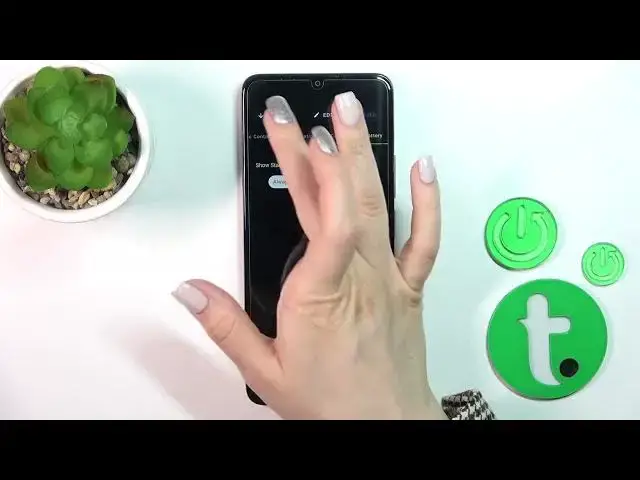

How to Customize AOD on TCL 40 SE? - Use Muviz Edge App
Aug 1, 2024

Learn more about TCL 40 SE
https://www.hardreset.info/devices/tcl/tcl-40-se/tutorials/
Today we will show you how to make your TCL 40 SE blank screen animation come alive! The Muviz Edge App lets you view the chosen information, such as the calendar, the battery percentage, or the music control panel, without turning on your screen, just by looking up and following the instructions.
How to Get Muviz Edge App in TCL 40 SE?
How to Customize Always On Display in TCL 40 SE?
How to Customize Always on Display Theme in TCL 40 SE?
How to Set Up Theme of Always on Display in TCL 40 SE?
#AOD #MuvizEdgeApp #TCL40SE
Follow us on Instagram ► https://www.instagram.com/hardreset.info
Like us on Facebook ► https://www.facebook.com/hardresetinfo/
Tweet us on Twitter ► https://twitter.com/HardResetI
Support us on TikTok ► https://www.tiktok.com/@hardreset.info
Use Reset Guides for many popular Apps ► https://www.hardreset.info/apps/apps/
Show More Show Less