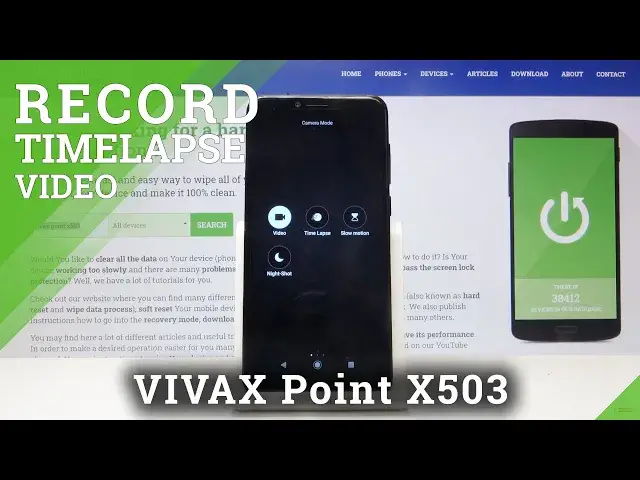

How to Change Speed of Timelapse in Vivax Point X503 - Advanced Camera Feature
Jul 14, 2024

Learn more info about VIVAX Point X503: https://www.hardreset.info/pl/devices/vivax/vivax-point-x503/
Check the instructions presented in above video in order to get access to the advanced camera settings panel and manage the current speed of time-lapse videos easily. Learn an easy way to slow down the recording speed or increase it on Vivax Point X503 smartphone. Let's extend the knowledge about your Vivax device by watching the above tutorial video.
How to change speed of timelapse on VIVAX Point X503? How to slown down a timelapse on VIVAX Point X503? How to speed up a timelapse on VIVAX Point X503? How to switch the speed of timelapse on VIVAX Point X503? How to speed up video on VIVAX Point X503? How to record speeded up video on VIVAX Point X503? How to open camera settings in VIVAX Point X503? How to use VIVAX Point X503 camera features? How to switch on timelapse in VIVAX Point X503? How to use timelapse in VIVAX Point X503?
Follow us on Instagram ► https://www.instagram.com/hardreset.info
Like us on Facebook ► https://www.facebook.com/hardresetinfo/
Tweet us on Twitter ► https://twitter.com/HardResetI
Show More Show Less