0:00
Here I've got Samsung Galaxy Fold and let me show you how to use voice recorder on the
0:10
following device. So at first you have to open the list of all apps, then locate Samsung album and open it
0:17
And here you'll find all default features from Samsung and all you have to do is to
0:22
click on the voice recorder. And if you would like to record something, you have three options
0:26
You can pick standard recording, interview recording and also speech to text mode
0:33
So let me pick for example standard. All you have to do to start recording is to tap on this icon
0:39
Let me click on it and now it is recording us. If you would like to pause it for a second, just click here and then you can restart it
0:46
by tapping here again and as you can see it will go further
0:50
Then if you'd like to permanently stop it, just tap here and then you can save your recording
0:55
Just enter the file's name, it can be hard reset
1:07
Then select the category. You can pick interview, speech to text or add a new category but I will choose interview
1:14
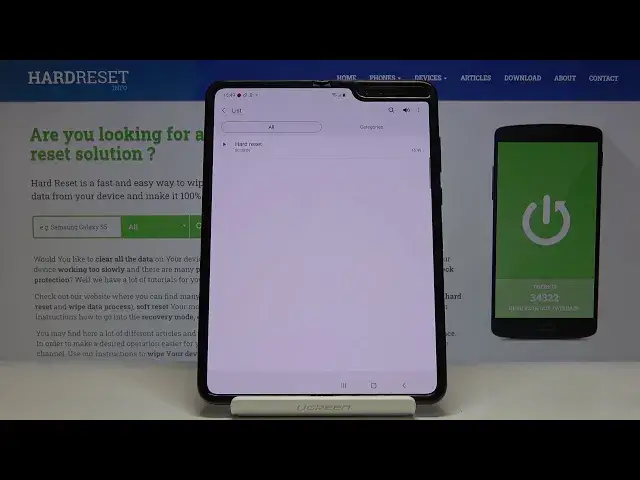
And finally tap on save. And now you can smoothly open it right here
1:19
Let me volume it up so you can hear it clearly. We can stop it here
1:27
You can also change the speed by tapping here and you can pick whichever you would like
1:32
to have. You can also skip muted, just tap here and obviously you can delete this recording so
1:40
all you have to do to do it is to tap on more icon and then select delete
1:46
But I will not do it now. I will also show you how to enter it from the main screen
1:50
So if you would like to open your recording now, you have to open the list of all apps
1:55
then go to Samsung and now click on my files. And here under audio you will find voice recorder album
2:05
Just open it and here it is. So now. And now you can delete it by tapping on more icon
2:13
Then click on edit and mark it. Click on delete and configure it if you would like to move it to bin
2:23
So this is it. That would be all. This is how you can record with your Samsung Galaxy Fold
2:28
Thank you for watching. Please subscribe our channel and leave the thumbs up