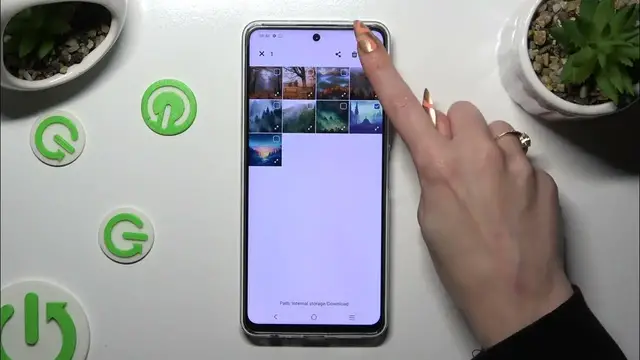

How to Select & Delete Multiple Photos At Once on VIVO Y200 Gallery?
Dec 6, 2023

Find out more:
https://www.hardreset.info/devices/vivo/vivo-y200/tutorials/
This tutorial aims to assist VIVO Y200 users in efficiently managing their photo gallery by selecting and deleting multiple photos simultaneously. It provides step-by-step instructions on how to select multiple photos in the gallery and delete them in bulk. By following this tutorial, users can streamline the process of organizing their photo collection on the VIVO Y200.
Why would users want to select and delete multiple photos at once from the VIVO Y200 gallery?
Where can users find the option to select and delete multiple photos in the device's gallery?
What steps are involved in selecting multiple photos at once within the gallery?
How can users delete the selected photos in bulk from the VIVO Y200 gallery?
Can users preview selected photos before deleting them to avoid accidental removal?
#DeleteMultiplePhotos #Gallery #VIVOY200
You can also check our other YouTube channels:
https://www.youtube.com/c/HardresetInfo
Follow us on Instagram ► https://www.instagram.com/hardreset.info
Like us on Facebook ► https://www.facebook.com/hardresetinfo/
Tweet us on Twitter ► https://twitter.com/HardResetI
Support us on TikTok ► https://www.tiktok.com/@hardreset.info
Use Reset Guides for many popular Apps ► https://www.hardreset.info/apps/apps/
Show More Show Less