0:00
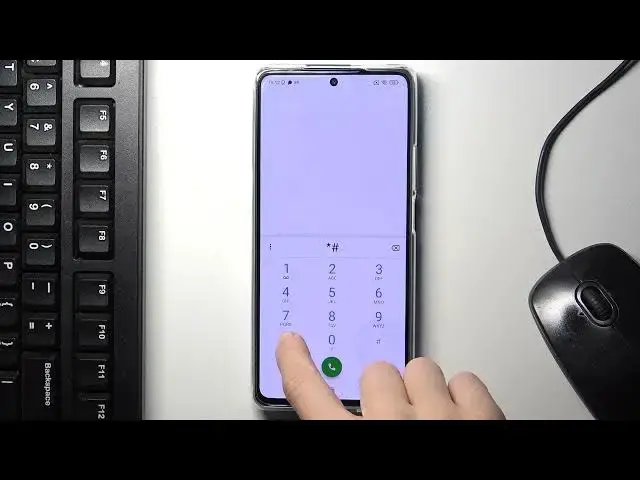
Hi guys, here we've got Xiaomi 11T and let me show you some of the secret codes that
0:11
you can use on this device. So at first let's open your keypad as this is the place where we'll be entering those
0:18
codes and let me start with the first one which is asterix pound asterix pound 6485
0:28
Asterix pound asterix and as you can see here we've got the info regarding charging and
0:33
battery so smoothly enter this code and be provided with details regarding your battery
0:39
and that will be all for this one. Let's go back. Now we will open FCM diagnostic mode
0:46
To boot it just press asterix pound asterix pound 426 pound asterix pound asterix and
0:53
here we've got the diagnostic mode where you can check events and also status
0:57
Whenever you would like to open advanced view just tap on more and enroll it by tapping
1:02
on advanced view. This is how you can explore your device more
1:06
Here you've got way more details. And this is it. Let's go back
1:11
Now if you'd like to check the calendar smoothly enter asterix pound asterix pound
1:16
double to five pound asterix pound asterix and here you've got the calendar info so all
1:21
celebrations, events, important dates, anniversaries, everything that is included in any of your
1:27
calendar will be displayed right here so you don't even have to remember about them
1:32
Just sign them in any of your calendars and it will be saved over here as well
1:38
So that would be all for this calendar details code. Another one is testing info
1:43
To check it just press asterix pound asterix pound 4636 pound asterix pound asterix and
1:50
here we've got the testing mode so you can check phone information for both SIM cards
1:54
and also Wi-Fi details. Let me check phone info and here you will have current network, signal strength, voice
2:03
service, voice network type, obviously email and phone number if it's connected
2:07
A bit lower you will be able to perform a ping test. To do it just click on run ping test and below you've got the details
2:16
So this is it. If you look up on more you will be able to view SIM address book, fixed dialing numbers
2:22
IMS service status, enable data connection and so on. So this is it
2:27
Let's go back and under Wi-Fi details you will be able to read Wi-Fi APA, Wi-Fi configuration
2:32
and also Wi-Fi status. Yep, this is it. And last code is the email info so just enter asterix pound 06 pound and here you've got
2:43
device information so if you are curious about your email numbers or serial number of this
2:48
device it's all in here. Smoothly enter this short code. And that would be all
2:53
This is it. These are all codes that I wanted to share with you today. You can use them whenever you need to
2:57
Thanks for watching. Please subscribe our channel and leave the thumbs up