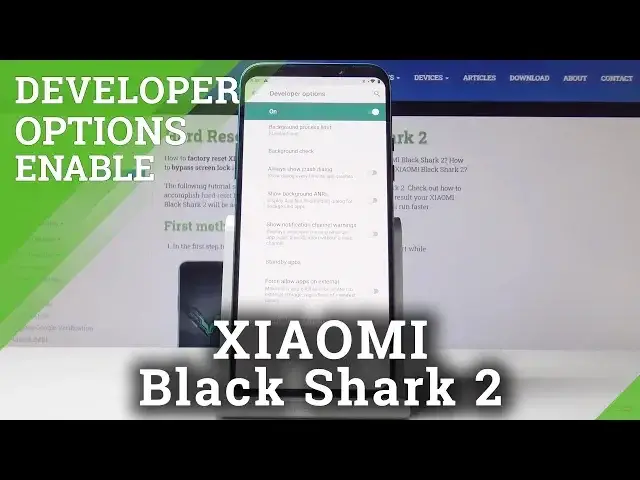

How to Open Developer Options on Xiaomi Black Shark 2 – OEM Unlock / USB Debugging
Jul 19, 2024

Find out more about Xiaomi Black Shark 2:
https://www.hardreset.info/devices/xiaomi/xiaomi-black-shark-2/
You haven’t noticed the Developer Options in your phone settings because they are hidden from the eyes of regular users. If you would like to have advanced options in the reach of your hand, just unlock them with our help. In the developer options, you will be able to unlock OEM (bootloader) or even enable USB debugging. If you are interested, dive right into the video.
How to unlock developer options on Xiaomi Black Shark 2? How to unlock OEM on Xiaomi Black Shark 2? How to enter developer options on Xiaomi Black Shark 2? How to get access to the developer options on Xiaomi Black Shark 2? How to activate developer options on OPPO F7?
Follow us on Instagram ► https://www.instagram.com/hardreset.info
Like us on Facebook ► https://www.facebook.com/hardresetinfo/
Tweet us on Twitter ► https://twitter.com/HardResetI
Show More Show Less #Science