0:00
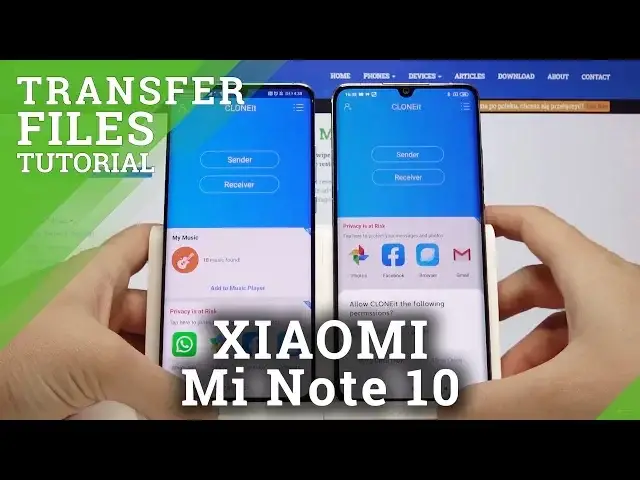
Welcome guys, in front of me I have two smartphones
0:08
The first one is Xiaomi Mi Note 10 and the second is Huawei P30 Pro and I'm gonna show
0:13
you how to transfer data from Android smartphone to our Xiaomi. So the first thing is just to open the application that you are going to use and if you don't
0:23
have it, just go to the Google Play Store, click on the search, type here clone it and
0:29
download this application. I just recommend you because it's totally free and very easy to use
0:35
So I just did it and I'm gonna open it on the Xiaomi and also on the Huawei
0:43
Click all at once and right now, as I said before, we are going to send data from Huawei
0:50
to Xiaomi, so click sender here and receiver here. Click search again and we will be clicking here on the Android share icon, but we have
1:03
to wait until this smartphone find our Huawei. Okay click on the Android share 2899 and as you can see we have two ways to connect
1:18
We can input the password and we can scan the QR code. QR code of course is here and the password is below right here
1:27
So I will choose the scan QR code because it's just the faster way
1:39
Okay and we have to wait until the request pop-ups on the Huawei and just accept it and
1:45
just click on OK. And right now, if you want to transfer everything, just select everything here, right
1:55
But that is only example, so I'm gonna click here below, below the start on the details
2:02
and I'll probably go for the music and pick the Rice Lidge of Legends song and the Better
2:11
Now Post Malone song. And we have to click on the start, click on OK
2:19
Our music is importing and it's finished, so click finish here and click all at once
2:25
and right now when we go into our file manager, click on the music, we can find here the two
2:32
songs that we sent from Huawei to Xiaomi Mi Note 10. And this is how it looks
2:36
I hope that I'll help you guys. If I do, leave thumbs up, comment and remember to subscribe to our channel
2:41
See you in the next video