0:00
Hi, welcome to Hardware's DINFO channel
0:02
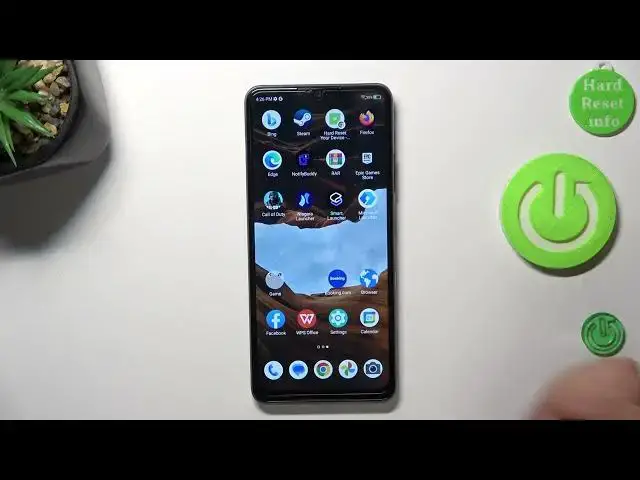
Dave here, you're first in front of me ZTE A72s device and now I'm going to show you top 3 bad themes for this smartphone
0:13
On the third place in my top is Niagara Launcher. So it's a really minimalistic theme with alphabetical line
0:21
So alphabetical line is the thing that makes this launcher is really minimalistic and great to use
0:28
Smart Launcher 6, this is the theme on the second place in my top
0:35
So it's really beautiful launcher with really beautiful interface, with great news panel and with great app grouping feature
0:44
But if you want to create new groups you need to pay for Prime. But why I like this launcher, why I love it
0:51
So because here we have wallpapers gallery, really great wallpapers gallery. What's renews daily and here you can find really beautiful wallpapers
1:06
Wallpapers from Smart Launcher 6 are really great and they fit for any launcher you have
1:16
And of course Microsoft Launcher. Microsoft Launcher is really great and functional launcher
1:22
Why I like this launcher? I'm using this on my device which I use for studying because it's really functional launcher
1:33
So here for example we have glance panel. In the glance we can set up all our favorite widgets
1:41
All widgets we can have here. We don't need to swipe between south and home screens
1:46
Here we have main menu with alphabetical line and hiding apps feature
1:51
And on the settings, launcher settings and in the settings we have gestures
1:56
And using the gestures for example we can use apps, I don't know, bing
2:02
For example I want to open the bing using swipe up with two fingers
2:09
Maybe, oh, okay, it's here. It's because my ZTE device is not too performance smartphone
2:17
So great, so let's try again. And hello bing. So bing works not too good as you can see
2:26
So I will try to change it to the other application. Bing app, it's too difficult app for ZTE device
2:39
So I will try for example calculator. And as you can see it opens every time I'm doing it
2:45
So you can open themes in this time, in this stage. And you can set up three fingers, gestures and other gestures
2:55
So that's it. Thanks for watching. Like this video, subscribe to the Java channel and bye