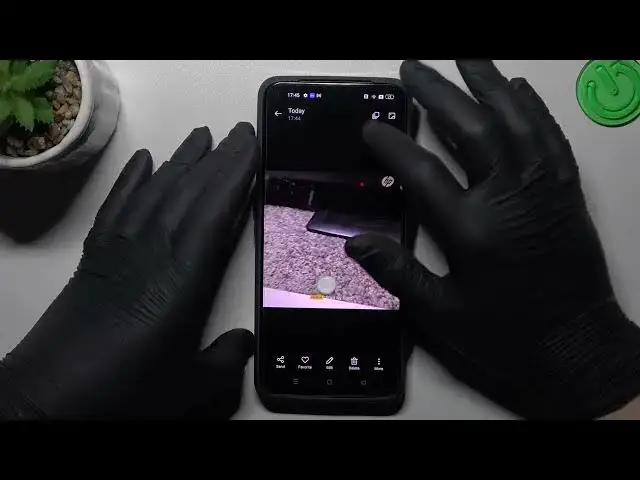

How to Take a Series of Photos on Realme GT2 / Burst Shot Feature
Jul 28, 2024

You can find more tutorials for your Realme GT2 on our website:
https://www.hardreset.info/devices/realme/realme-gt2/tutorials/
Hey there! Are you looking to capture fast-moving action or just want to have a series of photos to choose from? Then you're in luck because today we're going to show you how to take burst photos on your Realme GT2 smartphone. Our step-by-step tutorial will guide you through the process of accessing the burst mode feature, as well as some tips on how to take great burst photos. With just a few taps, you'll be able to snap a burst of photos that you can later select and choose the best ones. Don't miss out on this great feature of your Realme GT2 camera! Visit our YouTube channel for more tutorials and tips on how to make the most of your device.
How to enter the camera burst shot mode on Realme GT2?
How to take a series of photos with the camera of Realme GT2?
How to enable the burst shot camera mode on Realme GT2?
#realmegt2 #burstshot #realme
Follow us on Instagram ► https://www.instagram.com/hardreset.info
Like us on Facebook ► https://www.facebook.com/hardresetinfo/
Tweet us on Twitter ► https://twitter.com/HardResetI
Support us on TikTok ► https://www.tiktok.com/@hardreset.info
Use Reset Guides for many popular Apps ► https://www.hardreset.info/apps/apps/
Show More Show Less #Science