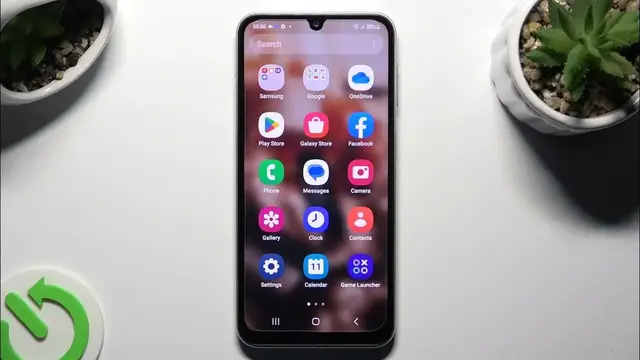

How to Enable/Disable Easy Mode on SAMSUNG Galaxy F34?
Jan 19, 2024

Find out more info about SAMSUNG Galaxy F34: https://www.hardreset.info/devices/samsung/samsung-galaxy-f34-5g/tutorials/
This tutorial is created for SAMSUNG Galaxy F34 users and provides a step-by-step guide on how to enable or disable Easy Mode on their smartphones. Easy Mode is designed to simplify the user interface, making the device more accessible, especially for those new to smartphones or looking for a more straightforward experience. By the end of this tutorial, you will be proficient in enabling or disabling Easy Mode on your SAMSUNG Galaxy F34, tailoring the user interface to your preferences.
How can I access the settings to enable or disable Easy Mode on my SAMSUNG Galaxy F34? Why would I want to use or not use Easy Mode on my device? What changes does Easy Mode make to the user interface of the device? Can I customize the settings and appearance of Easy Mode? How do I switch between Easy Mode and the standard mode on my device? #EasyMode #SimpleMode #SAMSUNGGalaxyF34
Follow us on Instagram ► https://www.instagram.com/hardreset.info
Like us on Facebook ► https://www.facebook.com/hardresetinfo/
Tweet us on Twitter ► https://twitter.com/HardResetI
Support us on TikTok ► https://www.tiktok.com/@hardreset.info
Use Reset Guides for many popular Apps ► https://www.hardreset.info/apps/apps/
Show More Show Less