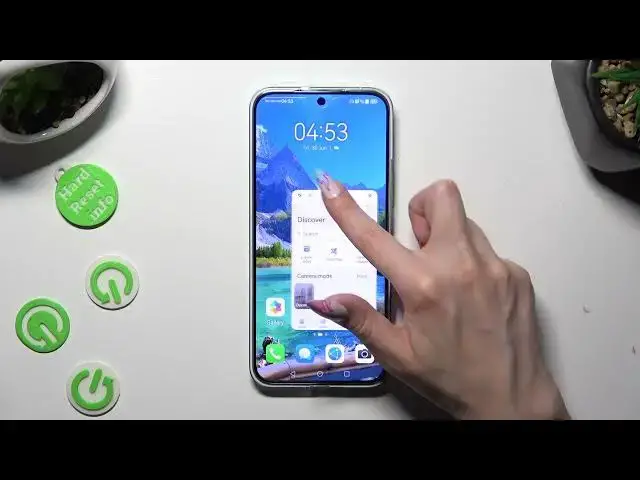

How To Open Apps in Pop Up View For Huawei Nova 11
Aug 3, 2024

For More Easy Tutorial Visit Our Website : https://www.hardreset.info/devices/huawei/huawei-nova-11/tutorials/
Looking to multitask like a pro on your Huawei Nova 11? This tutorial video will guide you through the process of opening apps in pop-up view on your device. Pop-up view allows you to have multiple apps open simultaneously in resizable windows, making it easier to switch between tasks and boost your productivity.
How do I open apps in pop-up view on Huawei Nova 11?
Can I multitask with multiple apps in pop-up view on my Huawei Nova 11?
Where can I find the pop-up view feature on Huawei Nova 11?
What apps are compatible with pop-up view on Huawei Nova 11?
Is there a specific way to activate the pop-up view feature on Huawei Nova 11?
Can I resize the windows of apps in pop-up view on Huawei Nova 11?
How to switch between apps in pop-up view mode on Huawei Nova 11?
#Huaweinova11 #huaweiphone #huaweismartphone
Follow us on Instagram ► https://www.instagram.com/hardreset.info
Like us on Facebook ►
https://www.facebook.com/hardresetinfo/
Tweet us on Twitter ► https://twitter.com/HardResetI
Support us on TikTok ► https://www.tiktok.com/@hardreset.info
Use Reset Guides for many popular Apps ► https://www.hardreset.info/apps/apps/
Show More Show Less