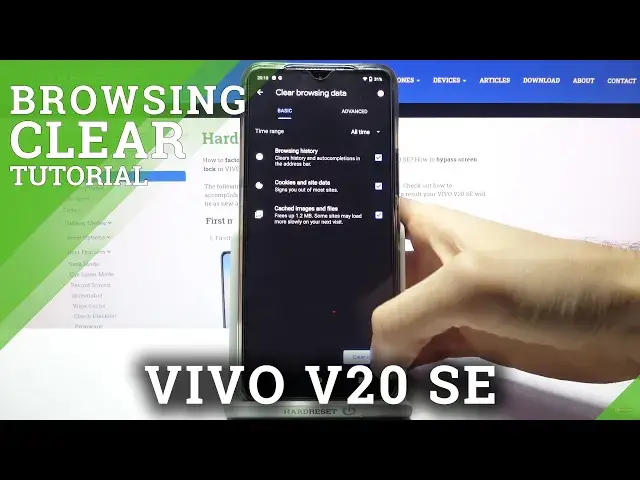

How to Clear Browsing Data on VIVO V20 SE - Remove History & Website Data
Jul 7, 2024

More info:
If you wish to restore browser defaults in your Vivo, stay with us to learn how to successfully get access to the browser settings and delete all of the information stored in the VIVO V20 SE browser. Let’s follow the step-by-step guide and find out how to erase the browser's temporary files such as cookies, cached files, visited webpages, and saved passwords.
How to delete the history browser in VIVO V20 SE? How to clear history in VIVO V20 SE browser? How to delete cookies files in VIVO V20 SE? How to clear cache in VIVO V20 SE? How to delete page history in VIVO V20 SE?
#ClearBrowserData #EraseBrowsingStorage #VIVOV20SE
Follow us on Instagram ► https://www.instagram.com/hardreset.info
Like us on Facebook ► https://www.facebook.com/hardresetinfo/
Tweet us on Twitter ► https://twitter.com/HardResetI
Support us on TikTok ► https://www.tiktok.com/@hardreset.info
Use Reset Guides for many popular Apps ► https://www.hardreset.info/apps/apps/
Show More Show Less #Science