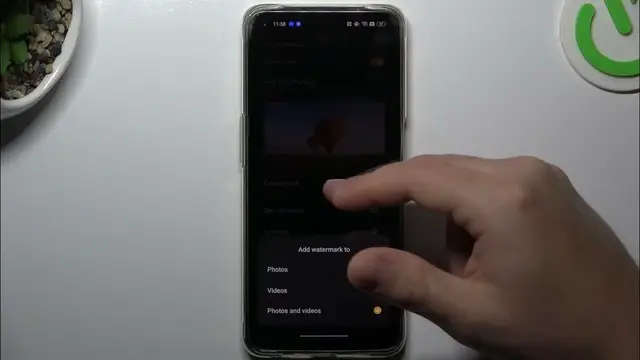

How To Customize Watermark On Oppo A95
Jan 18, 2024

Find out more about Oppo A95 : https://www.hardreset.info/devices/oppo/oppo-a95/tutorials/
Make your photos uniquely yours by learning how to customize the watermark on the Oppo A95. This tutorial provides step-by-step guidance on personalizing the watermark settings, allowing you to add a signature, date, or other custom details to your captured images. Whether you want to enhance your photography with a personal touch or include essential information in your photos, this guide covers the intuitive process of customizing the watermark on your Oppo A95. Watch, learn, and elevate your photography with this creative feature!
How do I customize the watermark on Oppo A95?
Is there a specific camera settings menu for customizing the watermark?
Can I add my signature or personalized text to the watermark?
What customization options are available for the watermark on this device?
How do I revert to the default or original watermark settings?
#OppoA95 #Oppo #oppophone
Follow us on Instagram ► https://www.instagram.com/hardreset.info
Like us on Facebook ► https://www.facebook.com/hardresetinfo/
Tweet us on Twitter ► https://twitter.com/HardResetI
Support us on TikTok ► https://www.tiktok.com/@hardreset.info
Use Reset Guides for many popular Apps ► https://www.hardreset.info/apps/apps/
Show More Show Less