0:00
Welcome here I've got Oppo Find X2 Pro and I'm gonna show you how to manage the
0:04
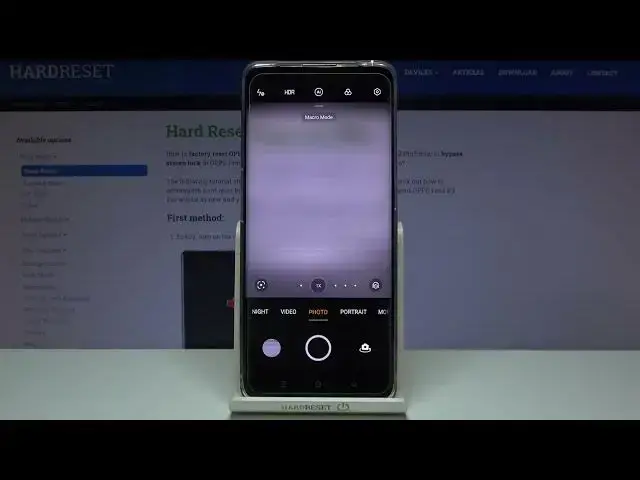
camera watermark at this device. So at first we have to tap on a camera button to open it and for now we are in
0:14
the standard photo mode. From here let's go to the right corner when we tap on
0:19
this button we can open more advanced camera options. At the first position now
0:24
we have the watermarks so let's pick it. Here we are as you can see we can add
0:29
three watermarks, the phone model, the date and the location. By using the buttons
0:35
from the right we can turn it on and off as we need so as you can see we can
0:39
adjust one of these two or three at the same time and also when we tap to each
0:45
of these watermarks we get access to more options. Here we can also turn them
0:50
on and off and with the phone model I want to show you the custom one when we
0:55
pick it we can add our own watermark for example let me write here hard reset
1:03
Here we can save this and we can also decide to add this only to photos or
1:09
only to videos. So also by using these buttons from the right we can manage it
1:16
When we go back to this view and pick the date and time we can see that here
1:20
we get access only to adding these two photos or videos and the same thing
1:26
happens in the location. So for now let me keep all of these watermarks turned
1:31
on. Let's move back to the camera to take the picture to see them at the real
1:35
photo. Now let's move to the left to this button that follows us straight to the
1:41
gallery and this is our photo with watermarks in the left corner at the
1:45
bottom. So let's get closer to them and as you can see we have Oppo Find X2 Pro
1:52
watermark device one with hard reset, the custom and then the date and time and
1:58
the location. And of course when we don't need them or need another combination of
2:05
it we have to go back to the camera then to the right corner, pick the watermarks
2:11
and manage this as we need or just turn them off. And that's all, thanks for
2:17
watching, subscribe our channel and leave the thumbs up