0:00
Here I have iPhone XR and let me show you secret codes for the following device
0:13
At the very beginning let's open the home screen file and select the phone's dialer
0:17
let's activate the keypad and let's start with the first secret code
0:21
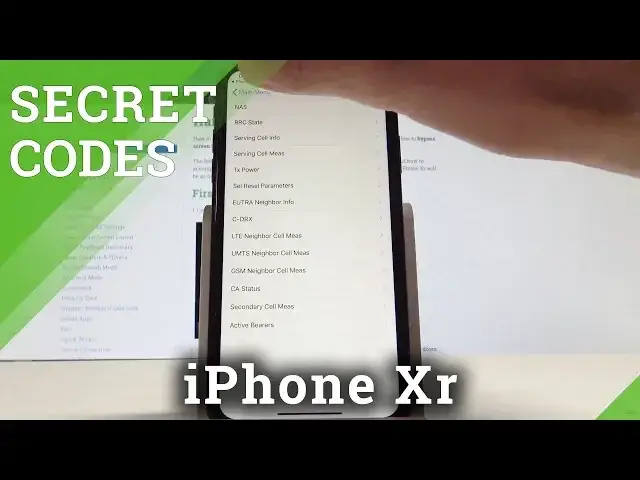
So at the very beginning let me open the field mode so we need to use the asterisk 3001 pound
0:29
one two three four five pound asterisk and let's use the green icon this is the main
0:39
menu of the field mode here you can see the device info for example the sim files right
0:45
here you can also go back and you can choose the LTE information such as for example serving
0:54
so info you can also here open the UMTS and the GSM
1:07
So that's it let's go back let's quit the field mode and it's time to enter the second
1:16
secret code so let's check out the settings for transferring the phone calls fax etc
1:24
Let's use the asterisk pound 21 pound let's use the green icon that's it here we've got
1:33
this menu so let me tap dismiss now let's check out the information regarding the current
1:40
status of the presentation of number and making phone calls let's just use the asterisk pound
1:48
pound the green icon here we've got the information tap dismiss now you can also
1:57
see the block phone information by using the following secret code asterisk pound three
2:11
pound let's use the green icon that's it you may also open the settings for awaiting calls
2:20
by using the asterisk pound three four three pound green icon you can check out the number
2:32
which you would like to transfer calls by using the asterisk pound six one pound
2:40
all right you can also check out another secret menu for transferring calls let's
2:49
use the asterisk pound six two pound and you can check out the menu to show all numbers to
3:00
which you would like to transfer calls when your device is currently busy by using this
3:07
code you can answer you can access this menu asterisk pound six seven pound and the phone
3:16
icon that's it and at the end let me show you the email mode by using the asterisk pound zero
3:26
six pound and the email information pops up all right so that's it everything went well
3:32
thank you for watching please subscribe our channel leave thumbs up under the video