0:00
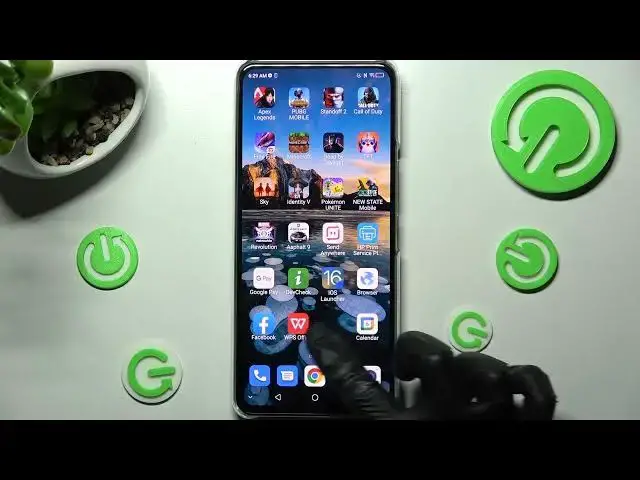
Hi! In front of me is ZTE Axon 30 and today I would like to show you how you can install and apply iOS Launcher on this ZTE
0:13
Begin with opening Playstore and clicking on the third bar. Now you need to install iOS Launcher app from this developer and when it's ready, open it
0:39
Now tap on While using the app and allow in all pop-ups, while using the app allow allow and swipe up. After that you need to click on Home button
0:51
Then go into Devices settings right away. From here scroll down and click on Apps section
1:00
Then you need to click on Default apps and tap on Home app
1:06
Over here in order to apply iOS Launcher you need to click on it and tap on Got it in the pop-up
1:15
As you can see, Apple layout was applied successfully on my ZTE
1:22
If you want to switch between your layouts you can do that by accessing the same settings and tapping on System Launcher or Apple one
1:31
Thanks so much for watching! If you enjoyed this video, leave a like, comment and subscribe. Bye