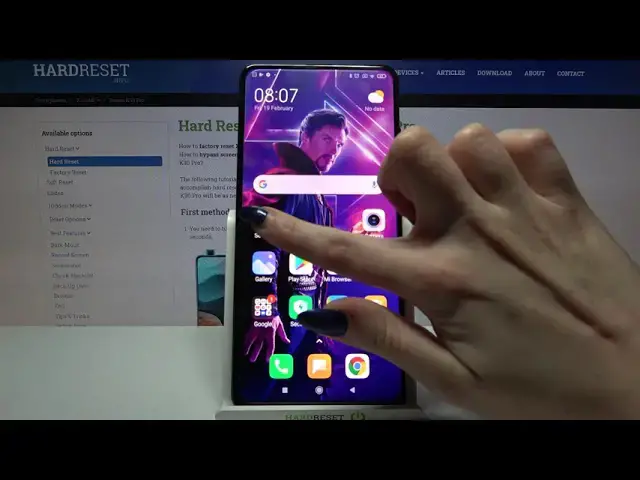

XIAOMI Redmi K30 Pro and Apps Settings - How to Manage Default Apps List
Apr 20, 2024

Find out more about XIAOMI Redmi K30 Pro:
https://www.hardreset.info/devices/xiaomi/xiaomi-redmi-k30-pro/
We got the thing just for you - check our tutorial above and find out how to change Default Apps List on your XIAOMI Redmi K30 Pro. This will enable you to use automatically only those applications that are really interesting and convenient for you. Now, your time won't be taken by the confirmation of the choice of the apps used - but your device will immediately open the program in the application you need. Thank you all for watching!
How to Change Default Apps in XIAOMI Redmi K30 Pro? How to Correct Default Apps List in XIAOMI Redmi K30 Pro? How to personalize Default Apps in XIAOMI Redmi K30 Pro? How to customize Default Apps in XIAOMI Redmi K30 Pro? How to Choose Default Apps in XIAOMI Redmi K30 Pro? How to add Default App in XIAOMI Redmi K30 Pro? How to Manage Apps Settings on XIAOMI Redmi K30 Pro?
#DefaultApps #AppsSettings #XIAOMIRedmiK30Pro
Follow us on Instagram ► https://www.instagram.com/hardreset.info
Like us on Facebook ► https://www.facebook.com/hardresetinfo/
Tweet us on Twitter ► https://twitter.com/HardResetI
Support us on TikTok ► https://www.tiktok.com/@hardreset.info
Use Reset Guides for many popular Apps ► https://www.hardreset.info/apps/apps/
Show More Show Less