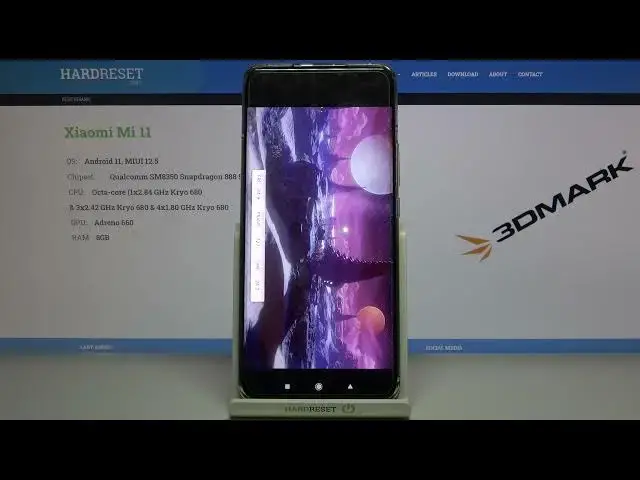

XIAOMI Mi 11 3DMark Wild Life | Benchmark Test
Apr 14, 2024

Find out more info: https://www.hardreset.info/devices/xiaomi/xiaomi-mi-11/ Welcome! Today we will test two amazing phone Xiaomi Mi 11, and more specifically performance during a very difficult benchmark - Wild Life. We can test this test thanks to the free 3DMark application, which will allow us to check the real performance of our smartphones. 3DMark is a great program where you can explore your phone performance limits by changing the resolution and other quality settings to make benchmarks more or less demanding. Additionally, 3DMark offers us a lot of details about the tests performed, such as detailed charts that show you how the CPU and GPU temperatures, clock speeds, and the frame rate changed during your benchmark run.
How to use AnTuTu Benchmark in Xiaomi Mi 11? How to check Performance by Xiaomi Mi 11? How to check performance by 3DMark sling shot extreme test of Android device? How to activate Wild Life 3DMark Benchmark on Xiaomi Mi 11? How to use Geekbench 5 GPU OpenCL Benchmark in Xiaomi Mi 11? How fast is Xiaomi Mi 11? How to test by Geekbench GPU Vulkan Benchmark Xiaomi Mi 11? How to perform benchmark in Xiaomi Mi 11? How to check storage speed in Xiaomi Mi 11? How to perform HTML5 TEST in Xiaomi Mi 11?
Xiaomi Mi 11 Specification:
OS: Android 11, MIUI 12.5
Chipset: Qualcomm SM8350 Snapdragon 888 5G (5 nm)
CPU: Octa-core (1x2.84 GHz Kryo 680 & 3x2.42 GHz Kryo 680 & 4x1.80 GHz Kryo 680
GPU: Adreno 660
MEMORY: 8GB RAM
Follow us on Instagram ► https://www.instagram.com/hardreset.info
Like us on Facebook ► https://www.facebook.com/hardresetinfo/
Tweet us on Twitter ► https://twitter.com/HardResetI
Support us on TikTok ► https://www.tiktok.com/@hardreset.info
Use Reset Guides for many popular Apps ► https://www.hardreset.info/apps/apps/
Show More Show Less