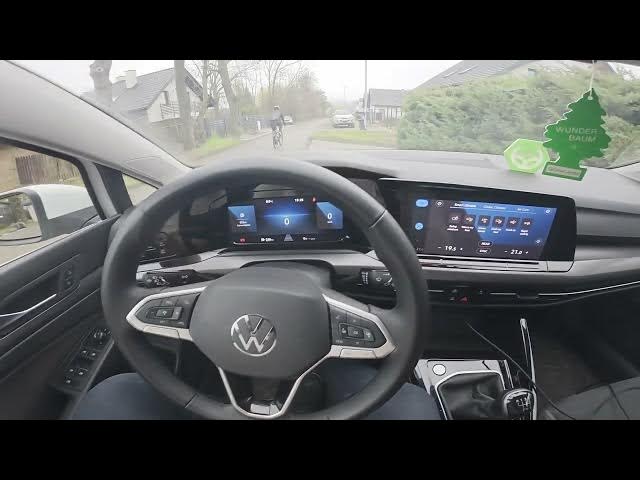

Volkswagen Golf VIII – How to Enable Warm My Hands Function
Jan 16, 2026

In this short video we show how to enable the Warm My Hands function on the Volkswagen Golf VIII (2019 - now). You will see exactly where to tap on the infotainment screen: open the Klima menu, enter Smart Climate and toggle Warm Hands on or off. This setting warms steering wheel/controls in cold weather and is quick to enable. The steps are simple and work on Golf 8 models with the Smart Climate interface.
How to enable Warm My Hands function in Volkswagen Golf VIII (2019 - now)?
How to turn on Warm My Hands on Volkswagen Golf 8 Smart Climate?
Where is the Warm Hands setting on Volkswagen Golf VIII touchscreen?
0:00 Introduction and overview
0:06 Open the Klima menu on the display
0:15 Enter Smart Climate settings
0:20 Tap Warm Hands to enable or tap again to disable
0:23 Quick recap and outro
#Volkswagen #GolfVIII #WarmMyHands #SmartClimate
Find out more:
https://www.hardreset.info/devices/volkswagen/volkswagen-golf-viii-2019-now/how-to-enable-warm-my-hands-function/
Follow us on Instagram ► https://www.instagram.com/hardreset.info
Like us on Facebook ► https://www.facebook.com/hardresetinfo/
Tweet us on Twitter ► https://twitter.com/HardResetI
Show More Show Less