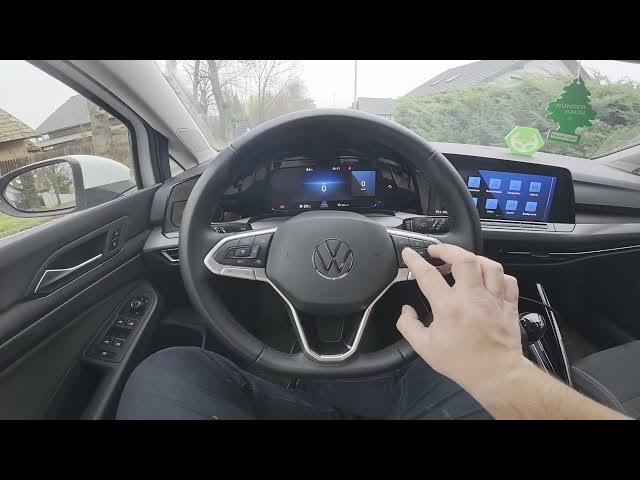

Volkswagen Golf VIII – How to Add Compass to Instrument Cluster
Jan 15, 2026

In this short video I show how to add the compass display to the instrument cluster on a Volkswagen Golf VIII (2019 - now). Using the left-side control panel on the cluster you can quickly navigate to Settings and enable the Compass option. No special tools or dealer visit needed — this simple change makes a directional compass appear in your digital instrument cluster so you always know which way you are driving. Follow the clear steps to turn on the compass in under a minute.
How to add compass to the instrument cluster on Volkswagen Golf VIII (2019 - now)?
How to enable compass on Volkswagen Golf VIII instrument cluster?
Where is the Compass setting in Volkswagen Golf VIII instrument cluster?
0:00 Intro – What we will do
0:09 Navigate the left-side panel on the instrument cluster
0:20 Open Settings and locate Compass
0:33 Enable Compass – Done
#Volkswagen #GolfVIII #Compass #InstrumentCluster
Find out more:
https://www.hardreset.info/devices/volkswagen/volkswagen-golf-viii-2019-now/how-to-add-compass-to-instrument-cluster/
Follow us on Instagram ► https://www.instagram.com/hardreset.info
Like us on Facebook ► https://www.facebook.com/hardresetinfo/
Tweet us on Twitter ► https://twitter.com/HardResetI
Support us on TikTok ► https://www.tiktok.com/@hardreset.info
Show More Show Less