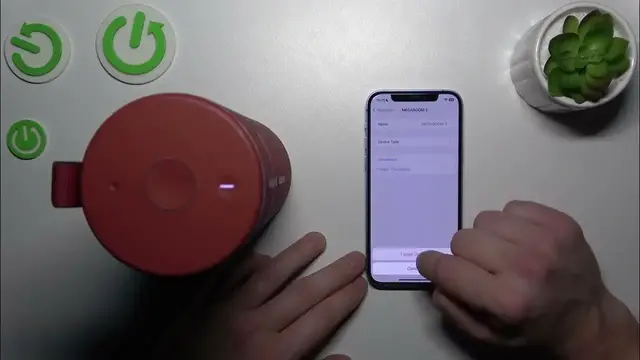

Ultimate Ears MegaBoom 3 disconnect from iphone
Jan 17, 2024

Find out more: https://www.hardreset.info/devices/
Step into the world of seamless connectivity with our informative video on how to disconnect your Ultimate Ears MegaBoom 3 from an iPhone. Perfect for those who regularly switch between devices or need to manage their audio sources effectively, this tutorial simplifies the process of disengaging your speaker from iOS devices. Whether you're troubleshooting, transitioning to a different sound system, or conserving battery life, our guide ensures a hassle-free experience. We delve into the essential tips for successfully disconnecting your MegaBoom 3, maintaining your device's longevity, and ensuring a smooth transition for your next audio adventure. Ideal for music aficionados, tech enthusiasts, and casual listeners alike, this video is your key to mastering the wireless capabilities of your MegaBoom 3. Don't forget to like, subscribe, and enable notifications for more tech tips and tricks!
#MegaBoom3iPhone
#BluetoothDisconnection
#TechSolutions
Questions for the Video:
How to properly disconnect the MegaBoom 3 from your iPhone?
How to troubleshoot if the MegaBoom 3 won't unpair from the iPhone?
How to manage Bluetooth settings on your iPhone for the MegaBoom 3?
How to ensure the MegaBoom 3 doesn’t auto-reconnect to your iPhone?
How to switch your MegaBoom 3 connection to another device after disconnecting from iPhone
Follow us on Instagram ► https://www.instagram.com/hardreset.info
Like us on Facebook ► https://www.facebook.com/hardresetinfo/
Tweet us on Twitter ► https://twitter.com/HardResetI
Support us on TikTok ► https://www.tiktok.com/@hardreset.info
Use Reset Guides for many popular Apps ► https://www.hardreset.info/apps/apps/
Show More Show Less #Science