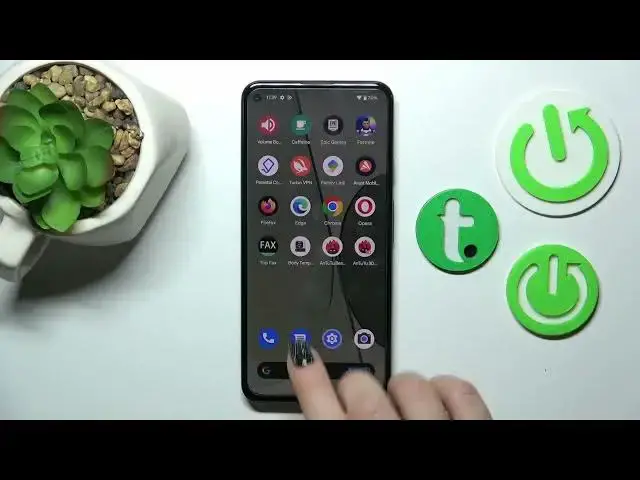

Turn On/Off Flashlight Option on GOOGLE Pixel 5a - Quick Settings Menu Modes
Jul 26, 2024

Find out more info about GOOGLE Pixel 5a: https://www.hardreset.info/devices/google/google-pixel-5a-5g/tutorials/
It's great that you found our channel! The above video will guide you on how to deactivate or enable the Torch function on your GOOGLE Pixel 5a device. To repeat all of the presented steps right, you have to open the Quick Settings Menu on your Google smartphone and pick on the Flashlight icon one time. Too easy to be truth, isn't it?
How to enable Flashlight on GOOGLE Pixel 5a? How to turn on Torch Mode on GOOGLE Pixel 5a? How to find Flashlight Option on GOOGLE Pixel 5a?
#FlashlightMode #EnableTorch #GOOGLEPixel5a
Follow us on Instagram ► https://www.instagram.com/hardreset.info
Like us on Facebook ► https://www.facebook.com/hardresetinfo/
Tweet us on Twitter ► https://twitter.com/HardResetI
Support us on TikTok ► https://www.tiktok.com/@hardreset.info
Use Reset Guides for many popular Apps ► https://www.hardreset.info/apps/apps/
Show More Show Less