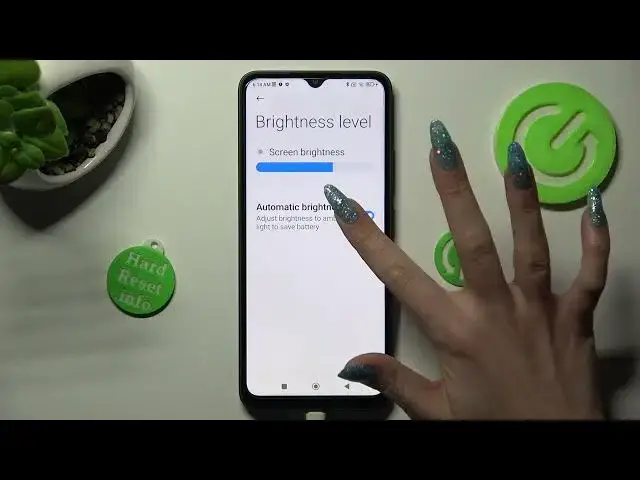

Turn On/Off Auto Brightness on POCO C50 / How to Control Display Brightness on POCO C50
Jul 28, 2024

More info about your device you can find here: hardreset.info
Take control of your display experience with this helpful tutorial on turning on and off auto brightness on your POCO C50. In this video, you'll learn how to access the settings menu, navigate to the "Display" section, and turn on or off auto brightness for the device. Whether you prefer to have the brightness adjust automatically or set it manually, this tutorial is a must-watch for POCO C50 users.
How to Turn On/Off Auto Brightness on POCO C50?
How to Control Display Brightness on POCO C50?
How to Improve Battery Life by Turning Off Auto Brightness on POCO C50?
How to Personalize Display Settings on POCO C50?
How to Troubleshoot Auto Brightness Issues on POCO C50?
#autobrightness #pococ50 #display
Follow us on Instagram ► https://www.instagram.com/hardreset.info
Like us on Facebook ► https://www.facebook.com/hardresetinfo/
Tweet us on Twitter ► https://twitter.com/HardResetI
Support us on TikTok ► https://www.tiktok.com/@hardreset.info
Get more tutorials and guides at https://www.hardreset.info/devices/poco/poco-c50/tutorials/
Show More Show Less