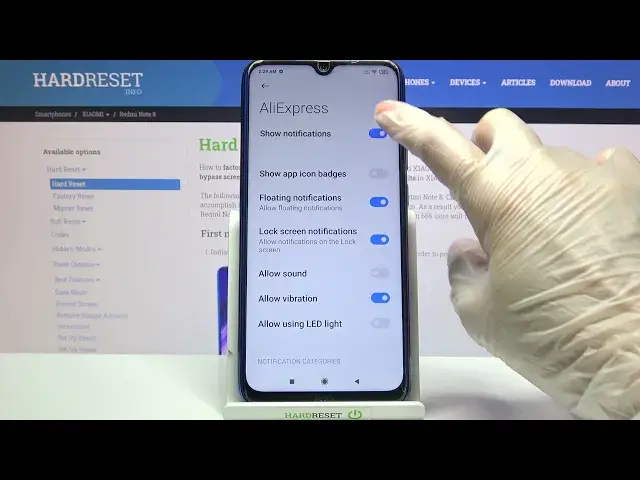

Turn On/Off Apps Notifications - Messages from App on XIAOMI Redmi Note 8
Jul 6, 2024

Find out more about XIAOMI Redmi Note 8:
https://www.hardreset.info/devices/xiaomi/xiaomi-redmi-note-8/
The HardReset.Info team welcomes you to the channel! Are you tired of spam messages from some apps? So let's turn them off with ease. To do this - watch our superb guide above, open the notification settings and click on the activated switch opposite the selected program. Success! Share this video with your friends!
How to Manage Apps Notifications on XIAOMI Redmi Note 8? How to Find Notifications Settings on XIAOMI Redmi Note 8? How to Turn On Apps Notifications on XIAOMI Redmi Note 8? How to Disable Messages from App on XIAOMI Redmi Note 8? How to Turn On Alerts from App on XIAOMI Redmi Note 8? How to Change Apps Notifications List on XIAOMI Redmi Note 8? How to Block Messages from Apps in XIAOMI Redmi Note 8?
#AppsNotifications #NotificationsSettings#XIAOMIRedmiNote8
Follow us on Instagram ► https://www.instagram.com/hardreset.info
Like us on Facebook ► https://www.facebook.com/hardresetinfo/
Tweet us on Twitter ► https://twitter.com/HardResetI
Support us on TikTok ► https://www.tiktok.com/@hardreset.info
Use Reset Guides for many popular Apps ► https://www.hardreset.info/apps/apps/
Show More Show Less