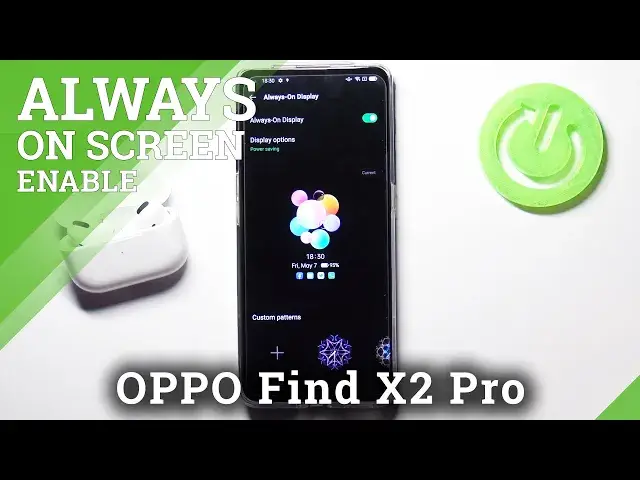

Turn Off Always On Display - Manage Lock Screen Options on OPPO Find X2 Pro
Jul 13, 2024

Find out more about OPPO Find X2 Pro:
https://www.hardreset.info/devices/oppo/oppo-find-x2-pro/
Hello there! If you notice that the activated Always On Display option only bothers you and makes your personal data too accessible, then quickly deactivate this function using the Lock Screen Settings on your OPPO Find X2 Pro. If you have forgotten or don't know how to do this, check out our tutorial above. Thumbs up if our new video was useful to you!
How to Disable Always On Display on OPPO Find X2 Pro? How to Deactivate Always On Display on OPPO Find X2 Pro? How to Turn off Always On Display on OPPO Find X2 Pro? How to delete Always on Display on OPPO Find X2 Pro? How to customize the Lock Screen of OPPO Find X2 Pro?
#TurnOffAlwaysOnDisplay #LockScreenSettings #OPPOFindX2Pro
Follow us on Instagram ► https://www.instagram.com/hardreset.info
Like us on Facebook ► https://www.facebook.com/hardresetinfo/
Tweet us on Twitter ► https://twitter.com/HardResetI
Support us on TikTok ► https://www.tiktok.com/@hardreset.info
Use Reset Guides for many popular Apps ► https://www.hardreset.info/apps/apps/
Show More Show Less