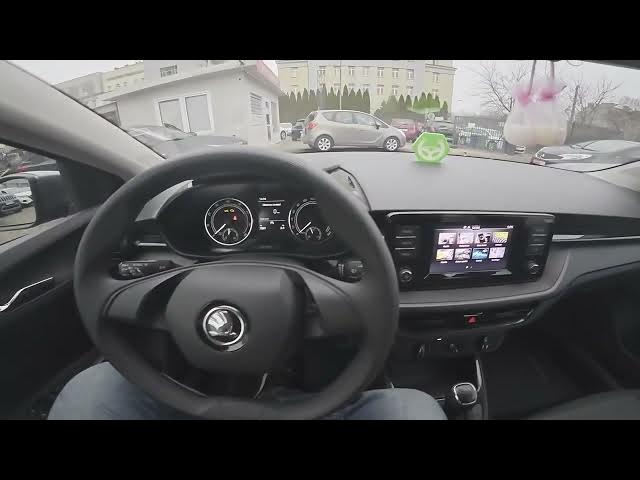

Skoda Fabia IV - How to Delete Main User
Jan 16, 2026

In this short video you will learn how to find and delete the Main User profile on a Skoda Fabia IV (2021 - now). I show how to open the screen display, go to Menu and Settings, enter Skoda Connect → Registration, locate the Main User entry and remove it by selecting Delete and Confirm. This is useful when you are selling or transferring the car, troubleshooting account access, or simply cleaning up user profiles on your Skoda Fabia IV.
How to delete Main User in Skoda Fabia IV (2021 - now)?
How to remove the Main User profile on Skoda Fabia IV using Skoda Connect?
Where is the Main User setting in Skoda Fabia IV menu and how to delete it?
0:00 Intro - Skoda Fabia IV and what we will do
0:07 Open screen display, go to Menu & Settings
0:17 Enter Skoda Connect - Registration
0:25 Select Main User, Delete and Confirm
0:28 Ending, like & subscribe
#SkodaFabia #SkodaConnect #CarSettings #MainUser
Find out more:
https://www.hardreset.info/devices/skoda/skoda-fabia-iv-2021-now/
Follow us on Instagram ► https://www.instagram.com/hardreset.info
Like us on Facebook ► https://www.facebook.com/hardresetinfo/
Tweet us on Twitter ► https://twitter.com/HardResetI
Show More Show Less