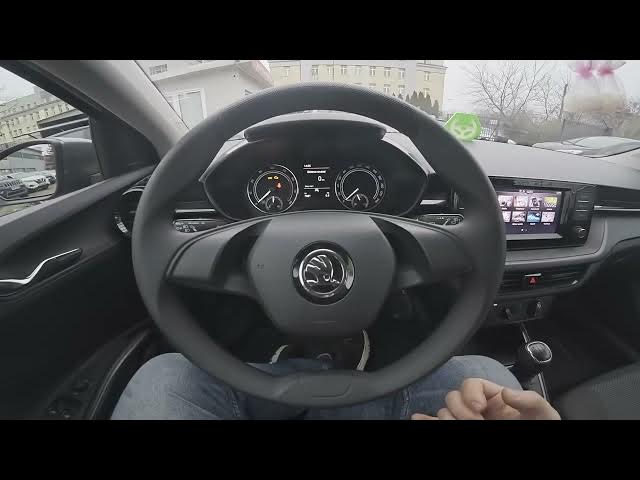

Skoda Fabia IV (2021 - now) – How to Safely Remove a Connected Device
Jan 16, 2026

Learn how to safely remove a connected device from your Skoda Fabia IV (2021 - now) infotainment system. In this short video you will see the exact steps to eject a smartphone, USB pendrive or other external device using the Remove Safety option in Settings. Following these steps helps prevent data loss, corrupted files, playback errors and connection issues when unplugging devices from your car. This guide is quick, clear and made for Skoda Fabia IV owners who want a safe way to disconnect their devices.
How to remove a connected device safely on Skoda Fabia IV (2021 - now)?
How to eject a USB pendrive from the Skoda Fabia IV infotainment system?
How to disconnect a smartphone from Skoda Fabia IV without losing data?
0:00 Intro – What this video shows
0:05 Why safe removal matters (avoid data loss and errors)
0:22 Open Menu and go to Settings
0:28 Scroll to Remove Safety and select it
0:30 Choose the device and confirm – Done
#SkodaFabia #SkodaFabiaIV #CarInfotainment #SafelyRemoveDevice
Find out more:
https://www.hardreset.info/devices/skoda/skoda-fabia-iv-2021-now/
Follow us on Instagram ► https://www.instagram.com/hardreset.info
Like us on Facebook ► https://www.facebook.com/hardresetinfo/
Tweet us on Twitter ► https://twitter.com/HardResetI
Show More Show Less