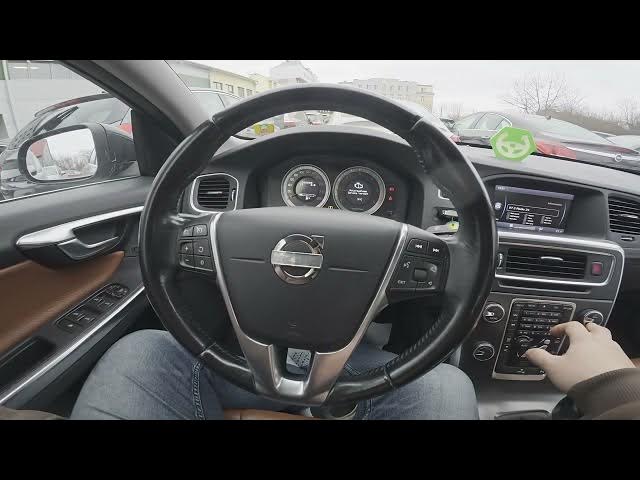

Volvo S60 II (2010-2019) – How to Enable Alternative Frequency
Jan 6, 2026

This video shows how to enable or disable Alternative Frequency (AF) on the Volvo S60 II (2010-2019). You will learn where to find the AF option in the radio menu, why AF helps when driving between coverage areas, and the exact steps to toggle it. The guide covers opening the radio on the screen display, entering the Many / Advanced settings, selecting Alternative Frequency and pressing OK to turn AF on or off. Perfect for Volvo S60 owners who want their radio to automatically switch to a stronger station while driving.
How to enable Alternative Frequency on Volvo S60 II (2010-2019)?
How to disable Alternative Frequency on Volvo S60 II (2010-2019)?
Where is Alternative Frequency in the radio settings of Volvo S60 II (2010-2019)?
0:00 Introduction
0:09 Open the radio and check the screen display
0:15 Enter Many / Advanced settings
0:20 Select Alternative Frequency
0:25 Toggle AF on or off (press OK)
0:28 Outro – like, comment and subscribe
#VolvoS60 #VolvoS60II #CarRadio #AlternativeFrequency
Find out more:
https://www.hardreset.info/devices/volvo/volvo-s60-ii-2010-2019/how-to-enable-alternative-frequency/
Follow us on Instagram ► https://www.instagram.com/hardreset.info
Like us on Facebook ► https://www.facebook.com/hardresetinfo/
Show More Show Less