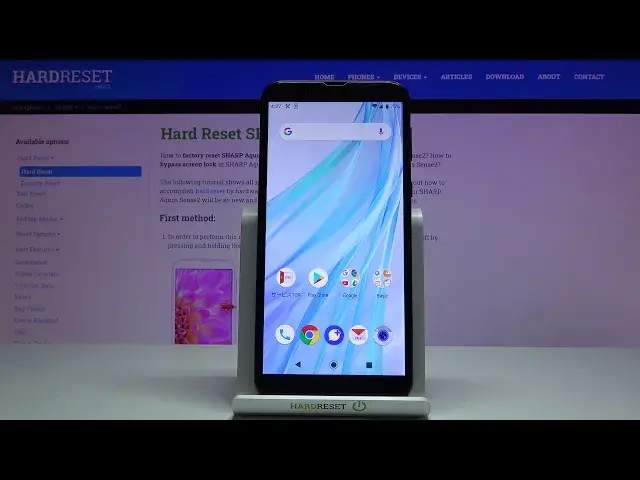

SHARP Aquos Sense2 CHECK IMEI and SERIAL NUMBER
Apr 23, 2024

Read more info about SHARP Aquos Sense2:
https://www.hardreset.info/devices/sharp/sharp-aquos-sense2/ In this video you can find the easy way to find IMEI Number and Serial Number. Follow our steps in order to get access to IMEI and Serial Number. You can do it by using simple code *#06# or by using SONY settings.
How to check IMEI Number on SHARP Aquos Sense2? How to find IMEI Number in SHARP Aquos Sense2? How to check Serial Number on SHARP Aquos Sense2? How to find Serial Number on SHARP Aquos Sense2? How to get access to IMEI and Serial Number on SHARP Aquos Sense2?
#IMEINumber #CheckIMEI #SerialNumber
Follow us on Instagram ► https://www.instagram.com/hardreset.info
Like us on Facebook ► https://www.facebook.com/hardresetinfo/
Tweet us on Twitter ► https://twitter.com/HardResetI
Support us on TikTok ► https://www.tiktok.com/@hardreset.info
Reset Guides for many popular Apps ► https://www.hardreset.info/apps/apps/
Show More Show Less #Mobile Phones
#Technical Reference