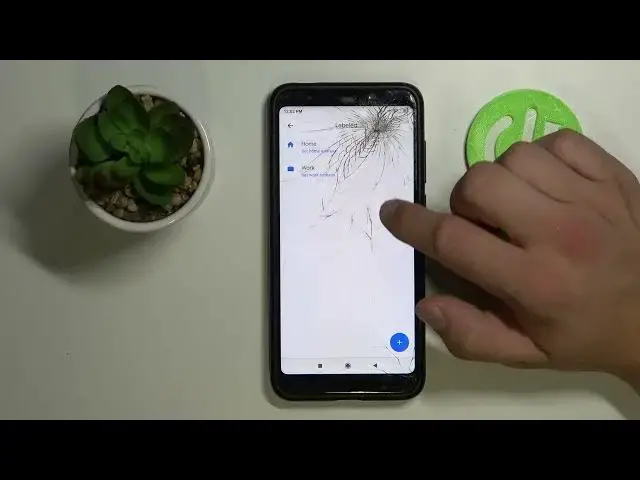

Set Work/Home Location - XIAOMI Redmi 5 Plus & Google Maps App
Apr 13, 2024

Find out more about XIAOMI Redmi 5 Plus:
https://www.hardreset.info/devices/xiaomi/xiaomi-redmi-5-plus/
Add your home and work address to the Google Maps app to quickly activate navigation every time you're going on the road. This is a very handy option, the controls and settings of which we will show you in the guide above. So from now on, you won't need to waste time re-entering the location's data. We are sure you will succeed!
How to Set Work/Home Location in Google Maps on XIAOMI Redmi 5 Plus? How to change Home Address in Google Maps on XIAOMI Redmi 5 Plus? How to change Work Address in Google Maps on XIAOMI Redmi 5 Plus? How to Set Work Location in Google Maps? How to Set Home Location in Google Maps? How to manage Google Maps on XIAOMI Redmi 5 Plus?
#WorkAddressInGoogleMaps #AddHomeLocation #XIAOMIRedmi5Plus
Follow us on Instagram ► https://www.instagram.com/hardreset.info
Like us on Facebook ► https://www.facebook.com/hardresetinfo/
Tweet us on Twitter ► https://twitter.com/HardResetI
Support us on TikTok ► https://www.tiktok.com/@hardreset.info
Use Reset Guides for many popular Apps ► https://www.hardreset.info/apps/apps/
Show More Show Less