0:00
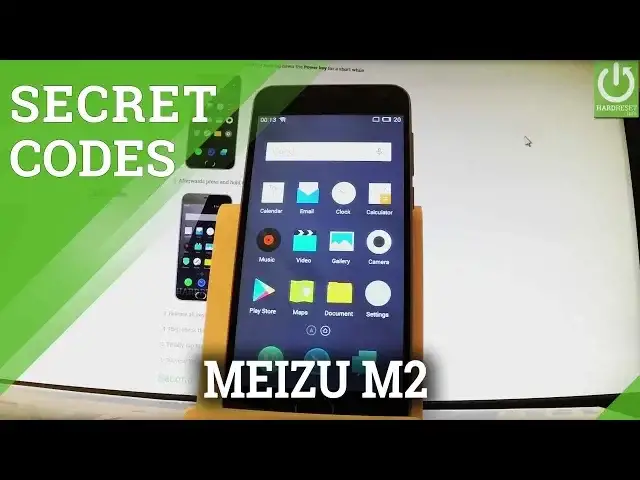
Here I have Meizu M2 and let me show you how to use secret codes on the following phone
0:10
So let's start from the home screen and let me open the phone's dialer by using a call
0:14
button right here, then activate keypad and now let's use a secret code
0:19
Let's input star hash, star hash, three six, four, six six, three three, hash star, hash star
0:33
As you can see engineer mode just pops up. You can navigate here by tapping appropriate options, you can choose section from the upper
0:40
part and here you have for example telephony, you can select modem test, network info or
0:46
for example word phone. You can also go back and choose connectivity, here you have bluetooth, wifi, wifi display
0:57
you can select hardware and test some features and change settings of camera, audio, display
1:03
memory, SD card, you can choose location and for example choose location based services
1:11
you can choose log and debugging section and others. Here you have such things as settings font or for example USB ACM
1:21
Let's go back to the phone's dialer, so let me go back to the home screen, let's open
1:26
a call button and let's input a testing menu, so let's type in star hash, star hash, four
1:35
six, three six, hash star, hash star. As you may notice testing menu just pops up, you can choose phone information for example
1:44
right here and read all important stuff about your phone. You can go back and let me go back, one second and choose battery information, here you can
1:59
all important stuff about your battery, you can for example read the battery status, battery
2:04
scale, battery health or for example battery temperature. Let's go back and let me use wifi information, here you've got wifi api, wifi config and
2:16
wifi status, let's choose for example wifi status and here you have statistics about
2:21
your wifi, you can refresh them or run a ping test. Let's go back to the phone's dialer, let me do it and let's input secret code for email
2:34
number, let me just open the phone's dialer right here, so let's use star hash, zero six
2:43
hash and as you can see email number just pops up. To close this window simply tap ok
2:49
Excellent, thank you for watching, please subscribe our channel and leave thumbs up under the video