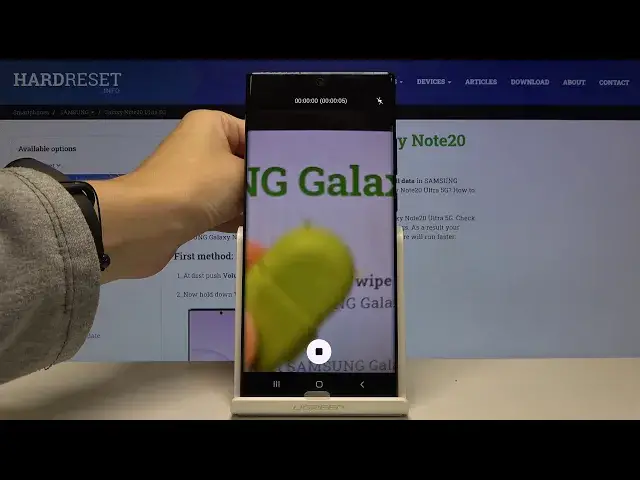

Samsung Galaxy Note 20 Ultra - How to Record Timelapse
Apr 29, 2024

Check our website for more guides: https://www.hardreset.info/devices/samsung/samsung-galaxy-note20-ultra-5g/ In this video, we will show you how to Record Video Timelapse on Samsung Galaxy Note 20 Ultra phone, it is called accelerated Video that is captured for a long time, e.g. 2 hours, and then played in a short time, e.g. 20 seconds, so this is a great mode for recording sunrise and sunset, or work that is done all the time in one spot and you can see the progress very well. If this video tutorial helped you, we would be very pleased if you leave a like, comment and leave subscribtion. Remember that if you have any questions, feel free to ask them in the comment. Thanks for watching our stuff!
How to Record Timelapse in Samsung Galaxy Note 20 Ultra? How to Use Timelapse in Samsung Galaxy Note 20 Ultra? How to Open Timelapse in Samsung Galaxy Note 20 Ultra? How to Get Timelapse in Samsung Galaxy Note 20 Ultra? How to Hit Timelapse in Samsung Galaxy Note 20 Ultra?
Follow us on Instagram ► https://www.instagram.com/hardreset.info/
Like us on Facebook ► https://www.facebook.com/hardresetinfo/
Tweet us on Twitter ► https://twitter.com/HardresetI/
Show More Show Less