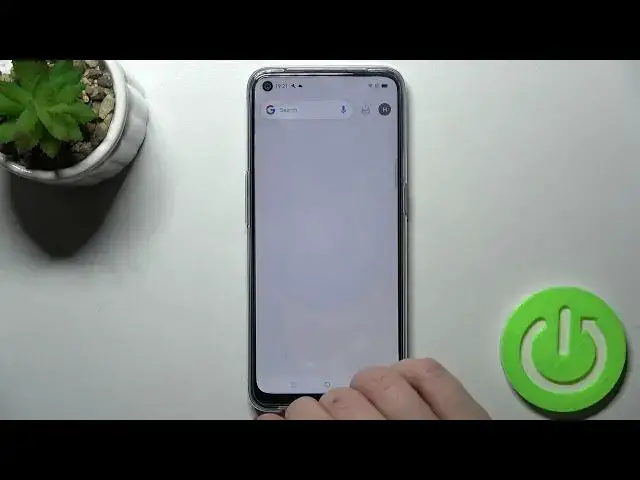

OPPO A53s – Enable Google Feed & Turn Off Gooogle News
Apr 7, 2024

Find out more about OPPO A53s:
https://www.hardreset.info/devices/oppo/oppo-a53s-5g/
Learn how to enable/disable the Google Feed option on your OPPO A53s. If you like to read the latest news over your morning cup of coffee, this feature will be perfect for you and allow you to get quick access to this news by simply swiping on the Home Screen. And if you want to find more clear and detailed instructions on setting up your device, they're waiting for you on our channel.
How to Enable Google Feed on OPPO A53s? How to Disable Google Feed on OPPO A53s? How to Activate Google Feed on OPPO A53s? How to Turn On Google News on OPPO A53s? How to Disable News from Google on OPPO A53s? How to Switch on notifications from Google on OPPO A53s?
#GoogleScreen #AddGoogleFeed #OPPOA53s
Follow us on Instagram ► https://www.instagram.com/hardreset.info
Like us on Facebook ► https://www.facebook.com/hardresetinfo/
Tweet us on Twitter ► https://twitter.com/HardResetI
Support us on TikTok ► https://www.tiktok.com/@hardreset.info
Use Reset Guides for many popular Apps ► https://www.hardreset.info/apps/apps/
Show More Show Less