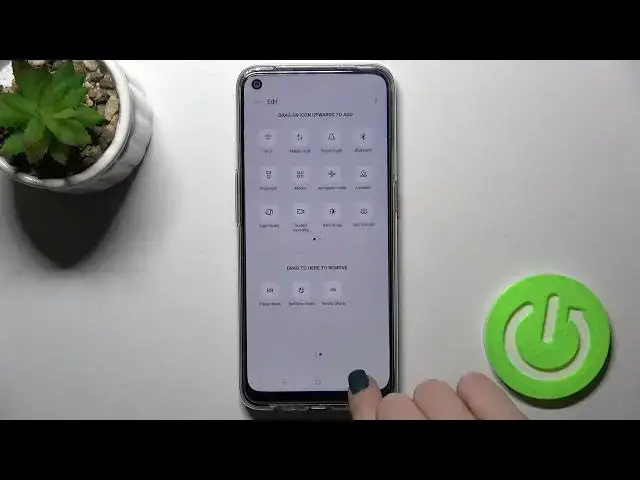

OPPO A53s and Notification Panel Shortcuts – Customize Notification Bar Icons
Apr 7, 2024

Find out more about OPPO A53s:
https://www.hardreset.info/devices/oppo/oppo-a53s-5g/
Find an easy way to customize the shortcuts and modes of your OPPO A53s Notification Panel with our new guide. With this tutorial, you'll be able to remove all unnecessary icons from this bar and add only the features you want to have quick access to. Check out our video to the end and don't forget to give us a "Like" for our efforts!
How to Customize Notification Bar Icons on OPPO A53s? How to Change Notification Bar Icons on OPPO A53s? How to Manage Notification Bar on OPPO A53s? How to Adjust Notification Bar Icons on OPPO A53s? How to Add Icon to Notification Bar on OPPO A53s? How to Remove Icon from Notification Bar on OPPO A53s?
#QuickSettingsMenu #ManageNotificationBar #OPPOA53s
Follow us on Instagram ► https://www.instagram.com/hardreset.info
Like us on Facebook ► https://www.facebook.com/hardresetinfo/
Tweet us on Twitter ► https://twitter.com/HardResetI
Support us on TikTok ► https://www.tiktok.com/@hardreset.info
Use Reset Guides for many popular Apps ► https://www.hardreset.info/apps/apps/
Show More Show Less