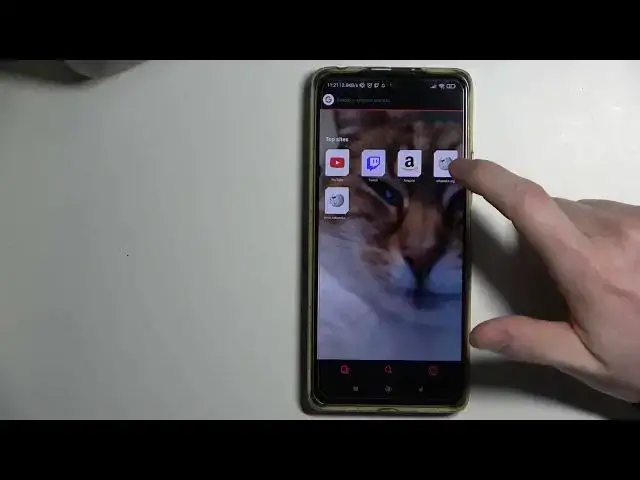

Opera GX - How To Disable & Enable Top Sites
Jul 4, 2024

Learn more about Xiaomi Redmi Note 10 Pro
https://www.hardreset.info/devices/xiaomi/xiaomi-redmi-note-10-pro/
Our video here shows you how you can acess top sites settings and enable or disable them, if you want browser to show you most visited sites on homescreen make sure to leave that enabled. This is only one of the many settings that this browser has to offer. You can customize your browser to your liking by watching this or many other tutorials that explain all of the settings and options of Opera GX!
Opera GX how to enable Top sites on home screen ?
Opera GX how to enable Top Sites ?
Opera GX how to disable Top sites on home screen ?
Opera GX how to disable Top Sites ?
#Opera #OperaGX #Browser
Follow us on Instagram ► https://www.instagram.com/hardreset.info
Like us on Facebook ► https://www.facebook.com/hardresetinfo/
Tweet us on Twitter ► https://twitter.com/HardResetI
Support us on TikTok ► https://www.tiktok.com/@hardreset.info
Use Reset Guides for many popular Apps ► https://www.hardreset.info/apps/apps/
Show More Show Less