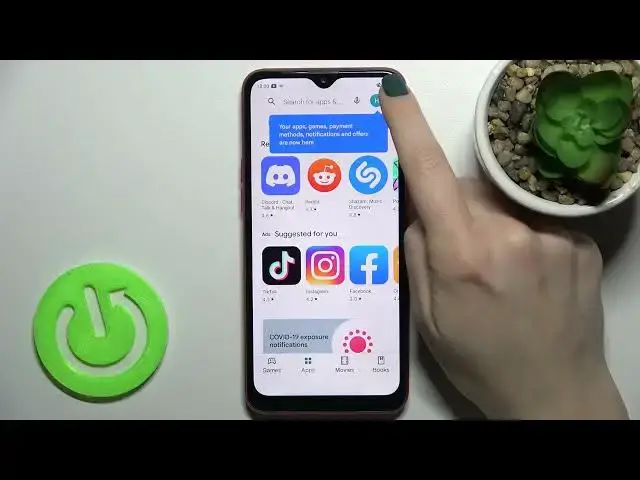

Open Play Store Settings and Turn Off Auto-Updates for Apps - OPPO A1K
Jul 3, 2024

Find out more about OPPO A1K:
https://www.hardreset.info/devices/oppo/oppo-a1k/
You've come to the right place because now we'll show you how to deactivate the Auto-Updates Apps function, which you can find in the Main Play Store program. Forget about the times when your favourite apps were updating without your wishes and losing important features - now you'll be in control of the process yourself. Thank you so much for staying with us until the end of the video - you're the best subscribers ever!
How to Stop Auto Update App in Play Store? How to Stop App Auto Update on OPPO A1K? How to Deactivate Auto Update App Option on OPPO A1K? How to Manage Play Store Settings on OPPO A1K? How to Control Apps Updates on OPPO A1K? How to Update App on OPPO A1K by myself?
#AppsUpdates #AppVersion #OPPOA1K
Follow us on Instagram ► https://www.instagram.com/hardreset.info
Like us on Facebook ► https://www.facebook.com/hardresetinfo/
Tweet us on Twitter ► https://twitter.com/HardResetI
Support us on TikTok ► https://www.tiktok.com/@hardreset.info
Use Reset Guides for many popular Apps ► https://www.hardreset.info/apps/apps/
Show More Show Less