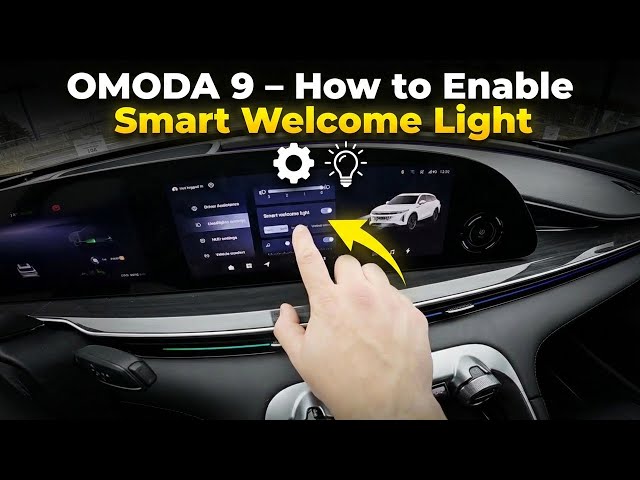

OMODA 9 – How to Enable Smart Welcome Light
Jan 10, 2026

In this short clear video you will learn how to enable the Smart Welcome Light on the OMODA 9 and how to change its effect. We show where to open the screen display, how to go to Vehicle Settings, enter Headlight Settings and switch the Smart Welcome Light on. You’ll also see how to choose between Milky Way Dawn, Interstellar and Meteor Stream modes so your OMODA 9 greets you with the lighting you prefer. This guide is fast and easy to follow — perfect for new owners and anyone who wants to personalize their car lighting quickly and safely.
How to enable Smart Welcome Light on OMODA 9?
How to change Smart Welcome Light mode on OMODA 9?
Where is Headlight Settings on OMODA 9?
0:00 Intro – OMODA 9 and Smart Welcome Light overview
0:08 Open the screen display and go to Vehicle Settings
0:20 Enter Headlight Settings
0:27 Switch on Smart Welcome Light and enable the function
0:35 Change mode: Milky Way Dawn, Interstellar, Meteor Stream
0:47 Closing and subscribe
#OMODA9 #SmartWelcomeLight #CarLighting #HeadlightSettings
Find out more:
https://www.hardreset.info/devices/omoda/omoda-9/how-to-enable-smart-welcome-lights/
Follow us on Instagram ► https://www.instagram.com/hardreset.info
Like us on Facebook ► https://www.facebook.com/hardresetinfo/
Show More Show Less