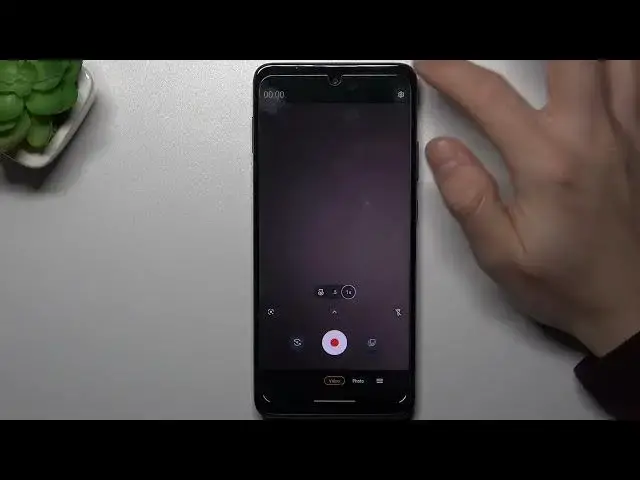

MOTOROLA One 5G Ace & Camera Settings - Enable Image Stabilization
Mar 24, 2024

Find out more info about MOTOROLA One 5G Ace: https://www.hardreset.info/devices/motorola/motorola-one-5g-ace/tutorials/
Remember that every problem has a solution! Now, we'll help you to solve the trouble when your newly created video or photo is too shaken or illegible. Follow our steps, open the Camera Settings on your MOTOROLA One 5G Ace gadget and manage the Image Stabilization function by picking on the toggle opposite. We hope that our tutorial was really useful for you - leave your reaction below (liking or disliking)!
How to Enable Image Stabilization on MOTOROLA One 5G Ace? How to Disable Image Stabilization MOTOROLA One 5G Ace? How to Open Camera Settings on MOTOROLA One 5G Ace? How to Use Image Stabilization in MOTOROLA One 5G Ace?
#ImageStabilization #CameraSettings #MOTOROLAOne5GAce
Follow us on Instagram ► https://www.instagram.com/hardreset.info
Like us on Facebook ► https://www.facebook.com/hardresetinfo/
Tweet us on Twitter ► https://twitter.com/HardResetI
Support us on TikTok ► https://www.tiktok.com/@hardreset.info
Use Reset Guides for many popular Apps ► https://www.hardreset.info/apps/apps/
Show More Show Less