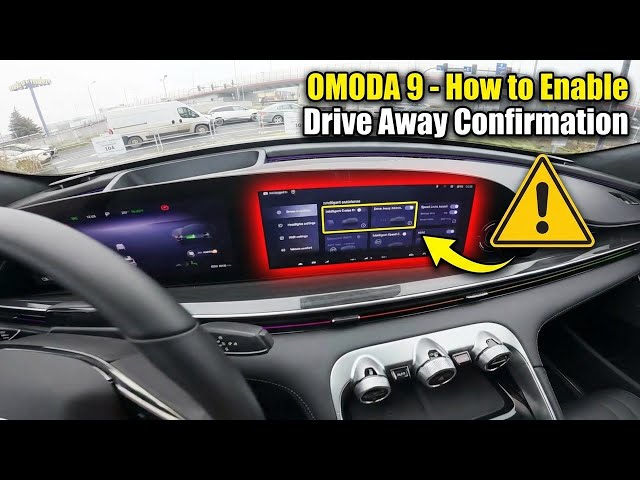

OMODA 9 - How to Enable Drive Away Confirmation
Jan 10, 2026

In this short video I show how to enable Drive Away Confirmation (listed as Drive Away Information in the menu) on the OMODA 9. You will learn exactly where to find the option and how to turn it on: from the main screen open Settings, go to Vehicle → Driver Assistance, then scroll down to Drive Away Information and switch it on. When enabled the system continuously monitors the movement of the vehicle in front of you and notifies you when that vehicle starts moving. This feature helps prevent missed starts in traffic and adds a layer of safety in slow-moving conditions.
How to enable Drive Away Confirmation on OMODA 9?
How to find Drive Away Information in OMODA 9 settings?
How does Drive Away Confirmation work on the OMODA 9?
0:00 Intro
0:05 Check the screen display
0:10 Open Vehicle → Driver Assistance
0:15 Scroll to Drive Away Information
0:21 Enable Drive Away Confirmation
0:30 What the feature does
0:34 Like, comment and subscribe
#OMODA9 #DriveAwayConfirmation #CarSettings #DriverAssistance
Find out more:
https://www.hardreset.info/devices/omoda/omoda-9/how-to-enable-drive-away-confirmation/
Follow us on Instagram ► https://www.instagram.com/hardreset.info
Show More Show Less