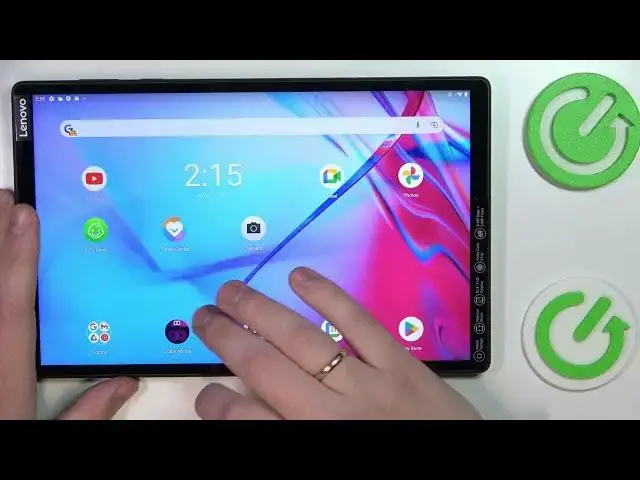

Lenovo Tab M10+ How To Enable Dolby Atmos
Mar 25, 2024

Visit Our Website And Learn About LENOVO TAB M10+ :
https://www.hardreset.info/devices/lenovo/lenovo-tab-m10-plus/tutorials/
To enable Dolby Atmos on a Lenovo Tab M10+, follow these steps:
Go to the home screen of your Lenovo Tab M10+.
Tap the "Apps" icon to access the list of installed apps.
Scroll down and tap on the "Settings" app.
In the "Device" section, tap on "Sound & vibration."
Scroll down and tap on "Dolby Atmos."
Toggle the switch next to "Dolby Atmos" to the "On" position.
If the Dolby Atmos option is not available in the Sound & vibration settings, it may not be supported on your device. You can check with Lenovo or the device's specifications to see if Dolby Atmos is supported.
How to use dolby atmos on LENOVO TAB M10+ ?
Is there Dolby atmos on LENOVO TAB M10+ ?
How to activate dolby atmos on LENOVO TAB M10+ ?
How to turn on dolbt atmos for speakers on LENOVO TAB M10+ ?
#lenovotabm10 #DolbyAtmos #Enable
Follow us on Instagram ► https://www.instagram.com/hardreset.info
Show More Show Less