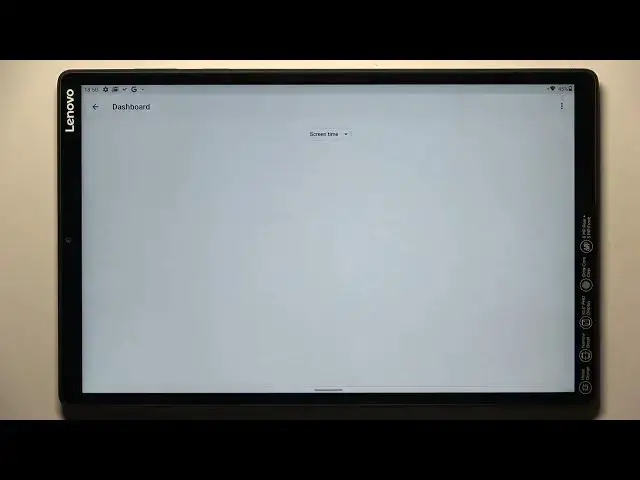

LENOVO TAB M10+ How To Check Total Screen Time
Mar 26, 2024

Visit Our Website And Learn About LENOVO TAB M10+ :
https://www.hardreset.info/devices/lenovo/lenovo-tab-m10-plus/tutorials/
To check the total screen time on a Lenovo Tab M10+, you can try using the "Digital Wellbeing" feature. This feature is designed to help you track and manage your device usage, including the amount of time that you spend on the device, the apps that you use the most, and the notifications that you receive. Here's how to use the "Digital Wellbeing" feature to check the total screen time on a Lenovo Tab M10+:
Go to "Settings" "Digital Wellbeing."
Tap on the "Dashboard" tab.
Scroll down to the "Screen time" section.
Tap on the "Today" button to view the screen time for the current day.
This will show you the total screen time for the Lenovo Tab M10+ on the current day, as well as the app usage and notification statistics. You can also tap on the "History" button to view the screen time for previous days.
The "Digital Wellbeing" feature is available on Android 9 and higher. If your Lenovo Tab M10+ is running an older version of Android, or if the feature is not available on your device, you may not be able to use it to track the total screen time. In this case, you can try using a third-party app or a website to track your device usage. There are many apps and services available that can help you monitor and manage your device usage, including screen time and app usage.
The exact steps and options may vary depending on the device's software version and settings. If you're having trouble using the "Digital Wellbeing" feature on your Lenovo Tab M10+, you can try looking for a tutorial online or contacting Lenovo customer support for assistance.
Where can i see screen time on LENOVO TAB M10+ ?
Total screen time on LENOVO TAB M10+ ?
Show More Show Less