
Kia Ceed II Facelifting – How to Enable CarPlay Voice Control
Dec 28, 2025

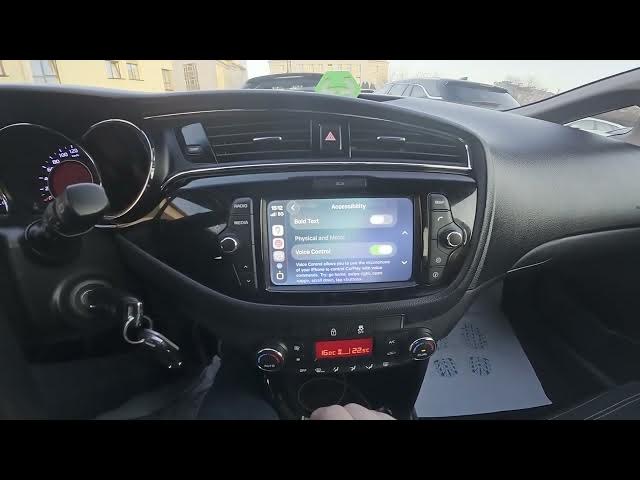
In this short video I show how to enable CarPlay Voice Control on a Kia Ceed II Facelifting. You will learn how to connect your iPhone with a cable, open CarPlay on the car screen, go to Settings → Accessibility and turn on Voice Control so CarPlay listens to your iPhone microphone. After enabling, you can use simple voice commands like "Swipe up", "Go home", "Enter Maps" and more to control Apple CarPlay while driving safely.
How to enable CarPlay voice control on Kia Ceed II Facelifting?
How to use CarPlay voice control with iPhone in Kia Ceed II Facelifting?
How to connect iPhone to CarPlay on Kia Ceed II Facelifting?
0:00 Introduction
0:06 Connect iPhone and open CarPlay Settings
0:23 Enter Accessibility and enable Voice Control
0:29 Voice control activated – ready to use
0:36 Examples of voice commands you can say
0:58 Like, comment and subscribe
#KiaCeedII #CarPlay #VoiceControl #AppleCarPlay
Find out more:
https://www.hardreset.info/devices/kia/kia-ceed-ii-facelifting/
Follow us on Instagram ► https://www.instagram.com/hardreset.info
Like us on Facebook ► https://www.facebook.com/hardresetinfo/
Show More Show Less