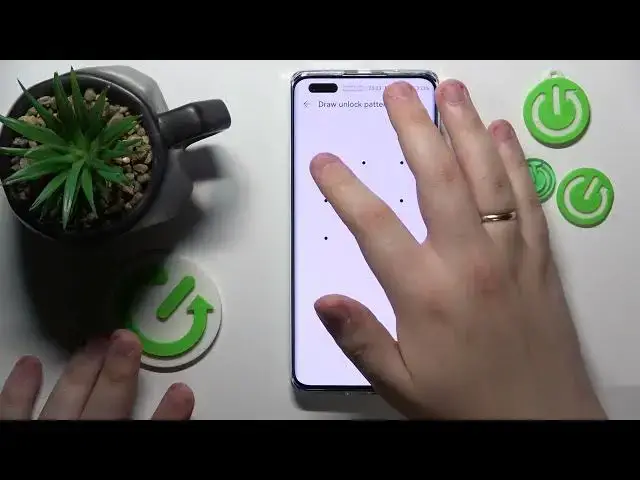

How to View Saved Passwords on HUAWEI - Password Vault - Secure Vault
Mar 15, 2024

We invite you to visit our website and learn more about any device you are interested in: https://www.hardreset.info/
Join us in this YouTube video as we delve into the world of password management on your HUAWEI smartphone. One of the handy features offered by HUAWEI is the password vault, which securely stores and manages your passwords for various websites and apps. In this step-by-step tutorial, we'll guide you on how to access and explore the password vault on your HUAWEI smartphone. Discover how to view, edit, and delete saved passwords, as well as how to generate strong and unique passwords for enhanced security. We'll also highlight useful tips and best practices for managing your passwords effectively and keeping them safe from unauthorized access. Whether you're new to the password vault or want to learn advanced techniques, this video has got you covered. Please enjoy and thanks for watching!
How to check saved passwords on a HUAWEI phone? How to enable and use the password vault on a HUAWEI smartphone? How to see saved passwords in a HUAWEI phone?
#HUAWEIPhone #SavedPasswords #HUAWEISecurity
Follow us on Instagram ► https://www.instagram.com/hardreset.info
Like us on Facebook ► https://www.facebook.com/hardresetinfo/
Tweet us on Twitter ► https://twitter.com/HardResetI
Support us on TikTok ► https://www.tiktok.com/@hardreset.info
Use Reset Guides for many popular Apps ► https://www.hardreset.info/apps/apps/
Show More Show Less