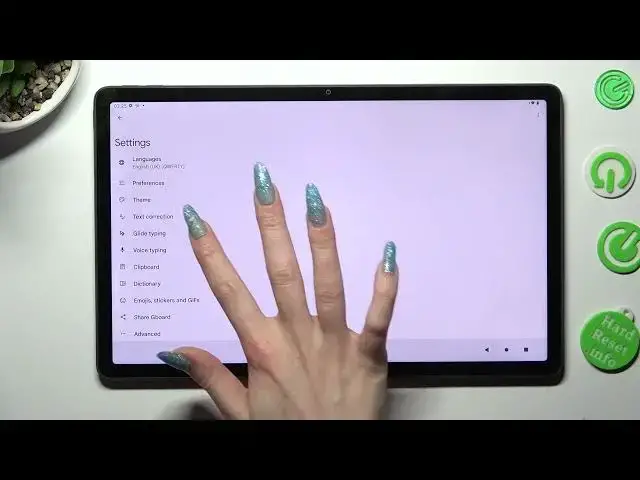

How to Use Voice Typing on Lenovo Tab P11 Gen 2 - Turn On Voice Typing in Keyboard
Mar 20, 2024

To use the full potential of the Lenovo Tab P11 Gen 2 click here: https://www.hardreset.info/devices/lenovo/lenovo-tab-p11-gen-2/tutorials/
Look up and with help of our expert will show you how to Access Gboard Settings, and within them Allow Voice Typing! This way you’ll be able to press the little Microphone Icon located on your Lenovo Tab P11 Gen 2 and type using your voice. So, if you are interested in trying this keyboard feature, then give us a short while, and let’s begin!
How to Use Voice Typing on Lenovo Tab P11 Gen 2? How to Turn On Voice Typing in the Keyboard of Lenovo Tab P11 Gen 2? How to Use Voice Typing on Lenovo Tab P11 Gen 2?
#LenovoTabP11Gen2 #UseVoiceTyping #TurnOnVoiceTyping
Follow us on Instagram ► https://www.instagram.com/hardreset.info
Like us on Facebook ► https://www.facebook.com/hardresetinfo/
Tweet us on Twitter ► https://twitter.com/HardResetI
Support us on TikTok ►https://tiktok.com/@hardreset.info
Use Reset Guides for many popular Apps ► https://www.hardreset.info/apps/apps/
Show More Show Less